How the online Canadian citizenship test works, from invitation to result
Vishwen Labs

The Canadian citizenship test is taken online, at home, on a computer or tablet with a webcam. IRCC emails an invitation, usually one to three months after the acknowledgement of receipt, and the invitation gives you a 30-day window in which you have three chances to pass. The test itself is 20 questions in 45 minutes, and an unofficial score appears the moment you finish.
How the online citizenship test works, step by step
- Apply and wait for the acknowledgement of receipt. Submit the application and the fee, 653 dollars for an adult. IRCC checks that it is complete and sends an acknowledgement of receipt, the AOR, with your application number and unique client identifier. It can take some time; IRCC's processing-times tool gives the current figure for the whole application.
- Watch your inbox for the invitation. Most people get the test invitation one to three months after the AOR. It arrives by email as a PDF, from an address ending in cic.gc.ca or canada.ca, and carries a start date, an end date 30 days later, the test link, your application number and UCI, and an address to write to. If it has not come two or three business days before the start date, email IRCC with your details.
- Set up the room and the device. A desktop, laptop or tablet with a webcam, running Chrome or Safari; not a phone, not Chrome on an iPad, not a Surface Pro, and no VPN. A quiet room where you will be alone, lit well enough for the webcam to see you, with nothing showing personal information in view. Have your permanent resident card, even an expired one, or a valid photo ID with your signature, such as a driver's licence or health card.
- Start inside the window. Open the link between the start and end dates. You photograph yourself and your ID through the webcam, then the 45-minute timer starts and cannot be paused. Twenty questions, multiple choice and true or false, in English or French. The webcam takes photos during the test to confirm it is you and that you are alone; no notes, no other tabs, no back button.
- Read the score, then wait for the official result. Your score out of 20 appears as soon as you submit. It is unofficial until an officer reviews the test and confirms your identity, which takes a few days or a few weeks. If you scored below 15, use another of your three chances inside the same 30 days.
- Interview, decision, ceremony. IRCC may invite you to an interview to verify identity and eligibility. Once the knowledge requirement and every other requirement are confirmed, the invitation to the citizenship ceremony follows, where you take the oath, sign the oath form and receive your certificate.
Why it is online, and who still tests in person
IRCC moved the test online during the pandemic and kept it there. Its pages now describe the online test as the default and treat in-person and Microsoft Teams sittings as accommodations: for an applicant who requested one in the application, or who needs the test on paper, read aloud, or in Braille. If you need an accommodation and did not ask for it when you applied, contact IRCC before the window opens rather than after. Children cannot come to an in-person test.
The 30 days and the three chances
The invitation's dates are the whole story. You cannot take the test before the start date, and after the end date the link is dead. Inside the window you have three attempts, and IRCC's results page says so in as many words: you have up to 3 chances to pass the test. If you miss the window without taking it, an online invitation is reissued automatically with a fresh 30 days and the same three chances; miss the second window too without contacting IRCC and the application is abandoned, which means starting over.
What happens if the connection drops
The timer keeps running. IRCC's page is blunt about it: the 45-minute timer continues while you're disconnected, and after 45 minutes the test is submitted with whatever answers you had selected. Reopen the most recent test link to get back in; each link expires after 15 minutes. If you cannot get back before the time runs out, email the address in your invitation within 30 days of the start date, and IRCC will reschedule, which usually takes four to eight weeks. A wired connection and a closed browser beforehand are cheaper than that wait.
How the app fits the format
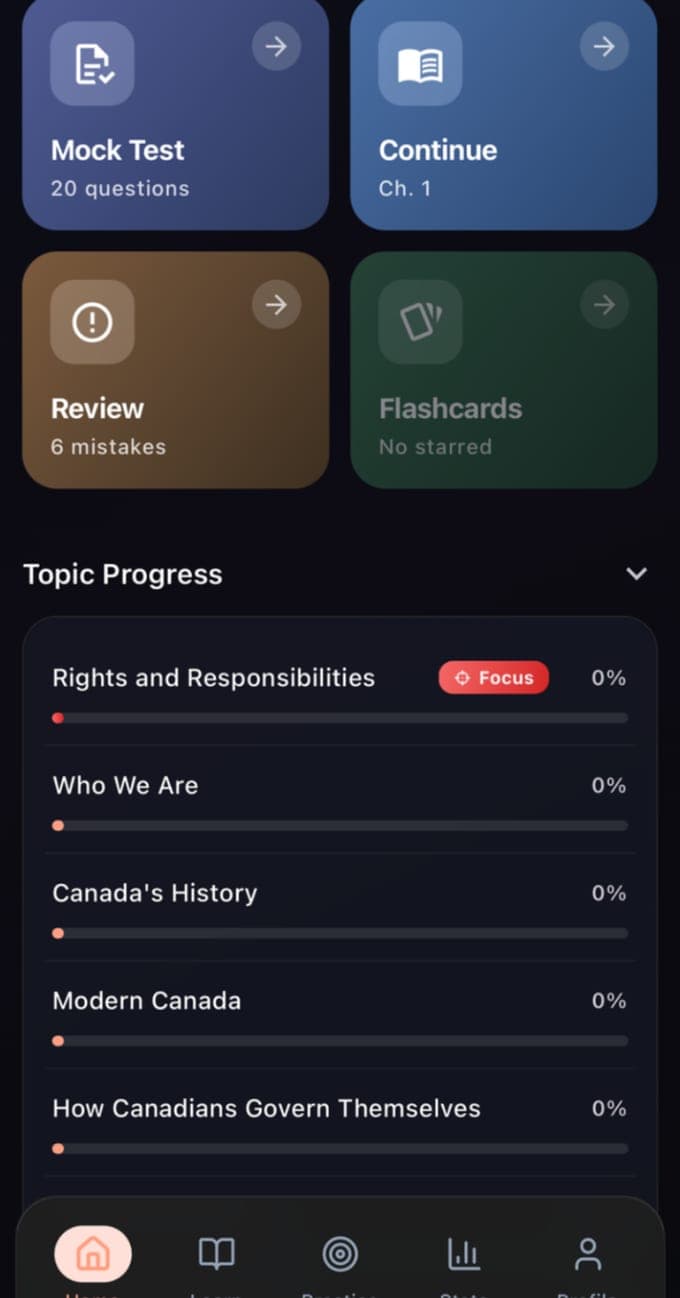
The app's mock is built to the same shape as the real sitting: 20 questions drawn across the chapters, a 45-minute clock, a pass at 15. The point of running it on a phone in the weeks before is to make 45 minutes feel like plenty, because it is: most people finish the real test well inside the time, and the applicants who struggle are the ones who have never sat 20 questions against a clock. Run mocks until three in a row are comfortably clear of 15, then book the quiet room.
Canadian Citizenship is an independent educational app and is not affiliated with, endorsed by, or connected to Immigration, Refugees and Citizenship Canada (IRCC) or any government body. Its content is based on Discover Canada: The Rights and Responsibilities of Citizenship, which IRCC publishes free and calls the only official study guide for the test.
Questions people also ask
Can I take the Canadian citizenship test on my phone?
No. IRCC requires a desktop computer, laptop or tablet with a webcam, in Chrome or Safari, and specifically excludes mobile phones, Chrome on an iPad and the Microsoft Surface Pro. A VPN must be off. Phones are for practising beforehand, not for the sitting.
Is the score I see at the end of the online test final?
Not yet. The score out of 20 shown when you submit is unofficial. It becomes official once a citizenship officer has reviewed the test and confirmed your identity, which IRCC says takes a few days or a few weeks, and only then is the knowledge requirement met.