
BurnToScroll
Screen time · iOS 16 or later
Earn your screen time by moving first
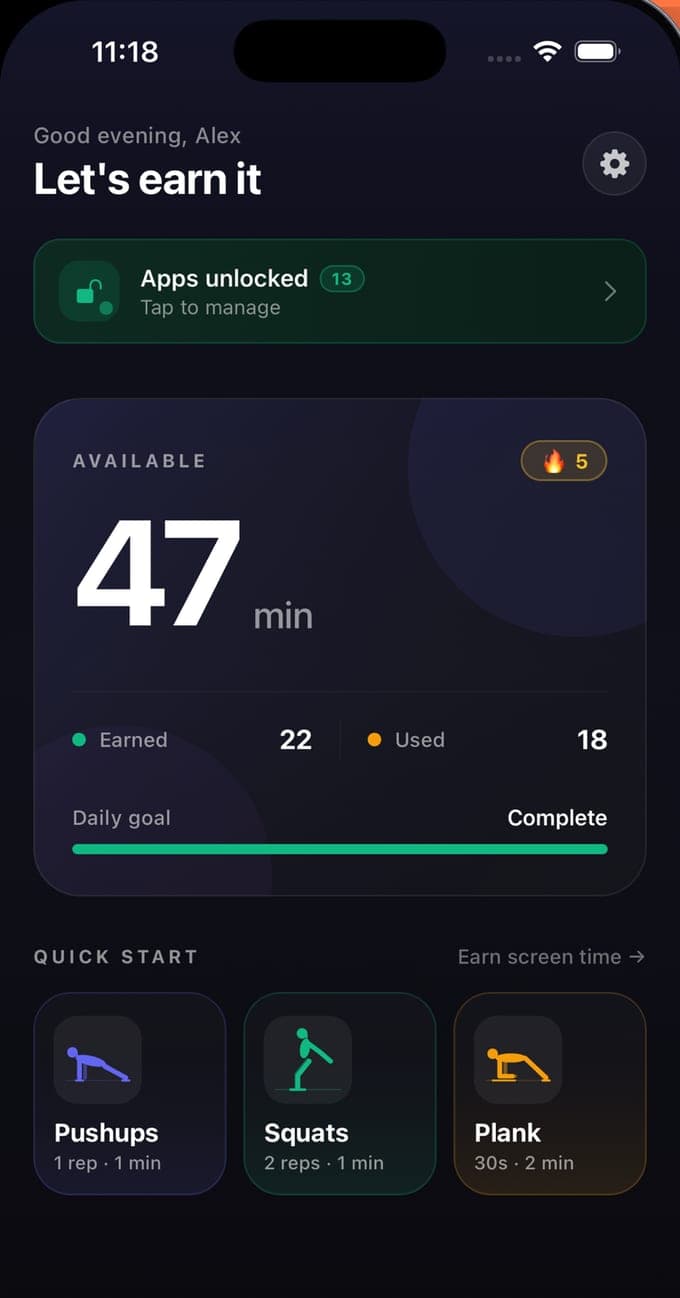
BurnToScroll makes screen time something you earn. Pick the apps that eat your evenings and they lock through Apple's own Family Controls until your minute balance is above zero. Minutes come from movement: the camera counts pushups, squats and seconds of plank on the phone itself, at 1.5 minutes a pushup, 45 seconds a squat and 3 minutes for every 30 seconds of plank by default, and the balance resets at midnight. A daily goal, a streak and fifteen levels keep score, and a share card takes a good set to Instagram. There is no account, the camera never leaves the phone, and the lock is the system's own shield rather than a timer with an Ignore button.
- Real blocking through Family Controls: the apps lock at zero minutes
- Pushups, squats and planks counted by pose detection on the device
- Free: one blocked app and one workout a day. No account
Earn
One pushup, a minute and a half
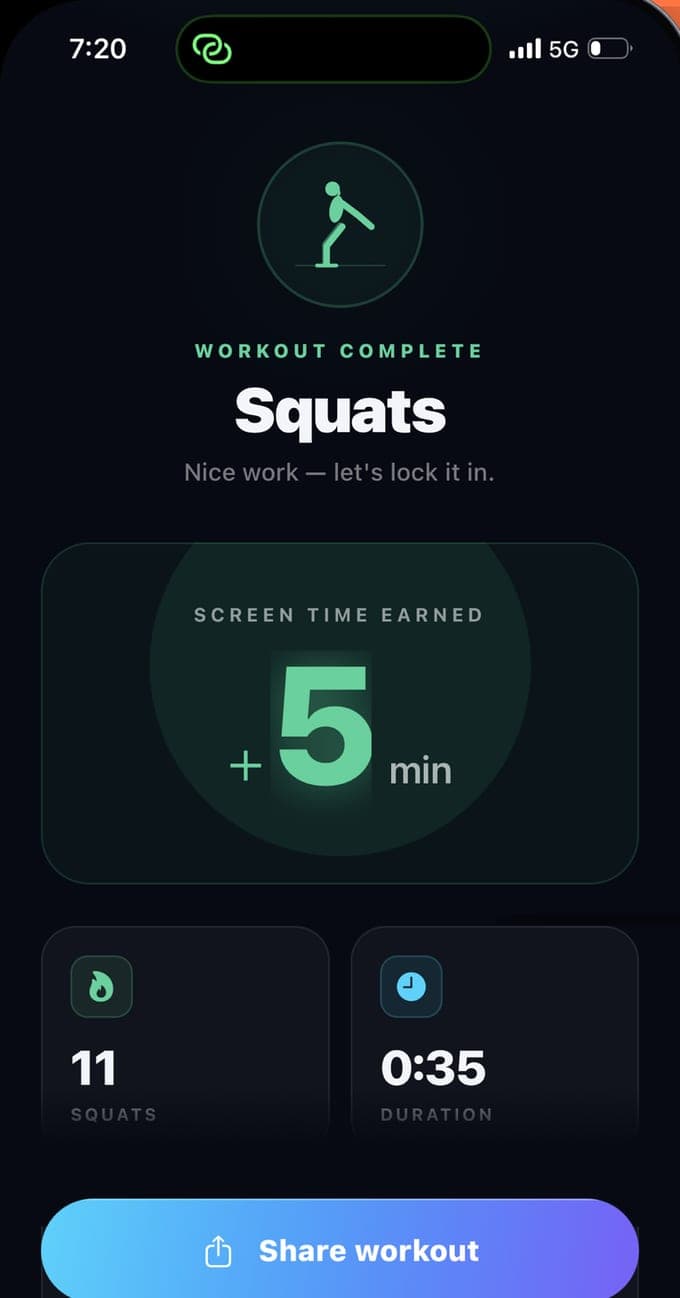
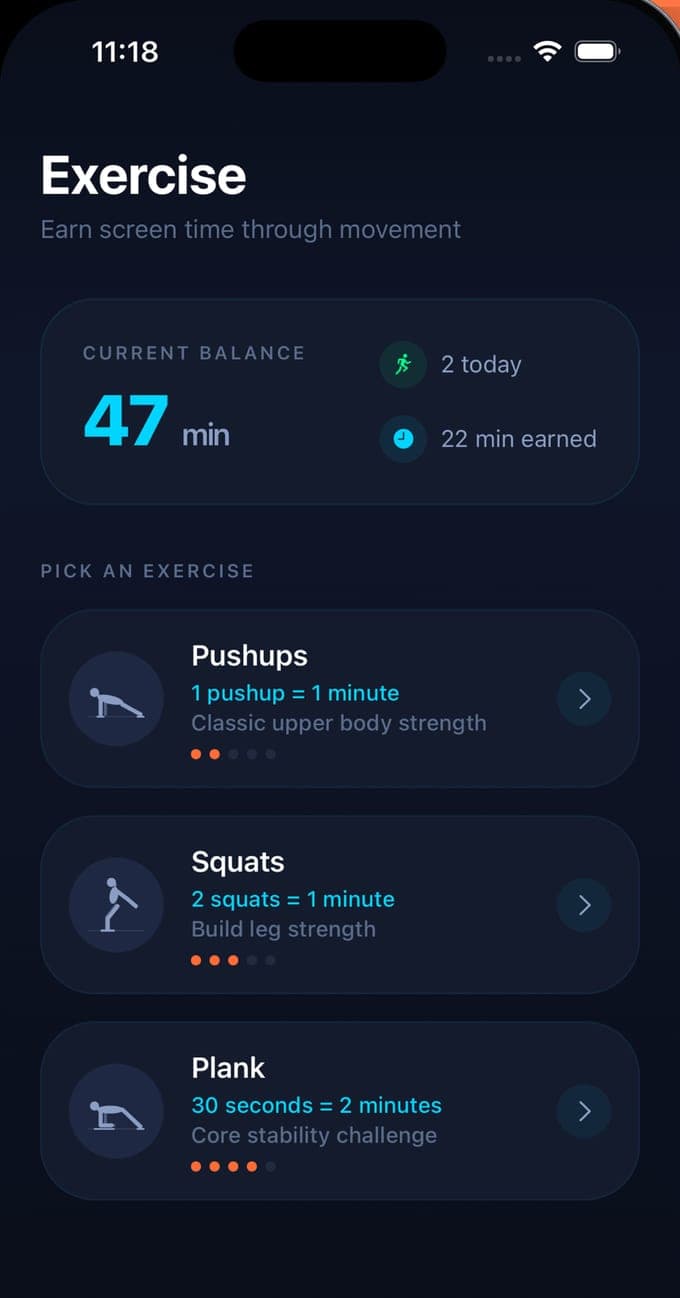
Prop the phone up, step back and start. Pose detection tracks the body and counts a pushup when the elbows bend and straighten, a squat when the hips drop and rise with both legs moving together, and a plank by the second while the forearms stay on the floor and the body holds its line. Every rep pays into a balance: 1.5 minutes a pushup, 0.75 of a minute a squat and 3 minutes for each 30 seconds of plank, paid per second held. Premium lets you set each rate yourself, down to a tenth of a minute. A daily goal in earned minutes, 30, 60 or 120 at setup and 60 by default, shows how close today is, and the balance starts again at midnight.
Block
The apps lock for real, not behind an Ignore button
BurnToScroll asks for Screen Time access as an individual, which you approve with Face ID or your passcode, and then opens Apple's own picker for the apps, categories and websites to lock. Apple hands the app opaque tokens, so it never learns which apps you chose. When the balance is above zero the apps are open; when it reaches zero the system shield covers them with a greeting, your streak and an Earn 5 minutes button that opens a workout. Usage is counted a minute at a time by a monitoring extension, a warning arrives when five minutes are left, and Premium adds a pause until midnight for the day something matters more than the rule.
Keep score
Streaks, levels and a card worth posting
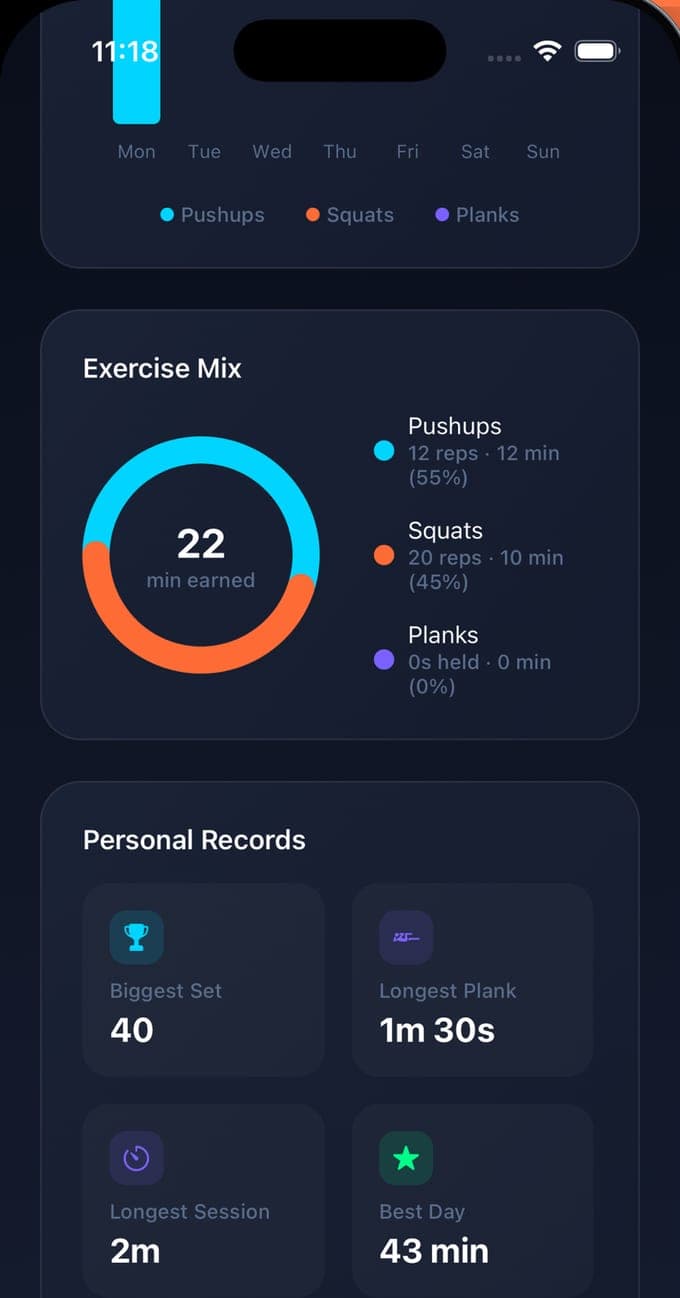
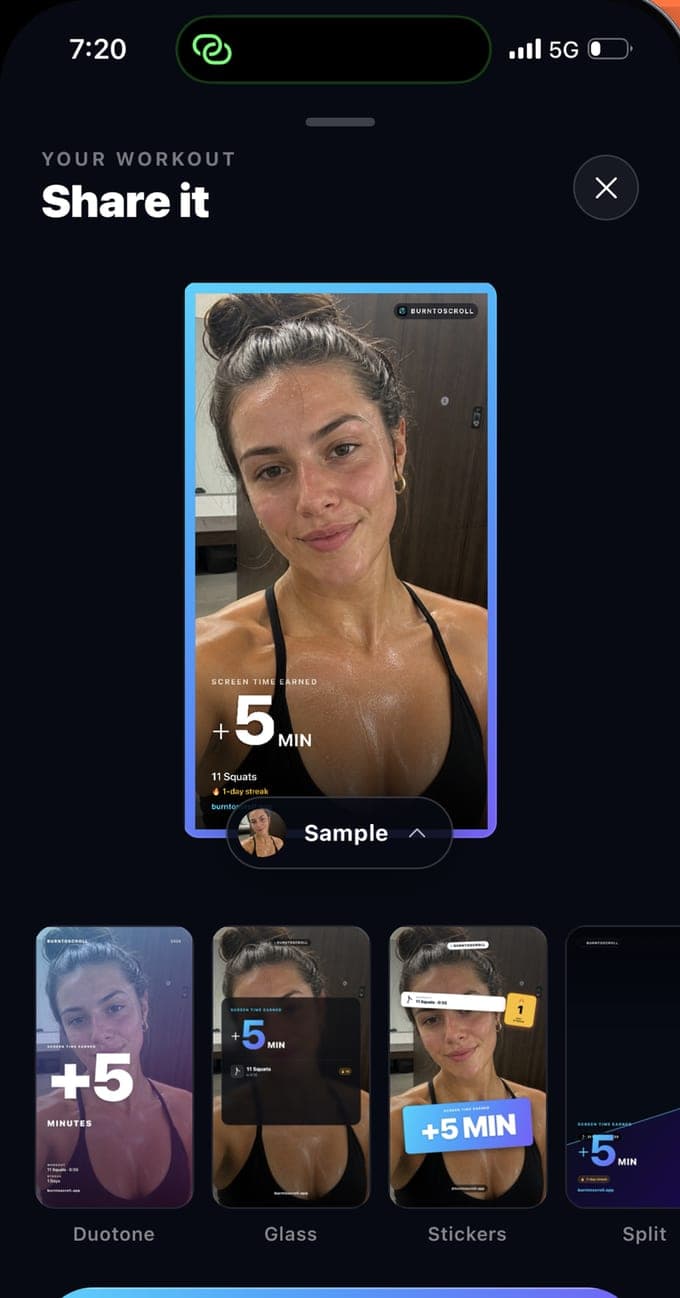
Every rep earns XP as well as minutes, 2 a pushup, 1.5 a squat and 5 for a 30-second plank, with a bonus of 10 percent per streak day up to double. XP climbs fifteen levels, from Beginner to Immortal at 15,000, and thirty achievements mark the first pushup, the thousandth, a 365-day streak and the rest. The Stats tab charts minutes by day and the exercise mix, and keeps personal records for the biggest set, the longest plank, the longest session and the best day; today is free and the week, month and all-time views are Premium. A finished workout becomes a 1080 by 1920 card, with your photo or the sample one, that goes to any app through the share sheet.
How it works
Install to the first earned minute.
01
Pick the apps to lock
Download BurnToScroll on an iPhone running iOS 16 or later and grant Screen Time access when asked; Apple confirms it with Face ID or your passcode. Choose what to lock in the system picker: single apps, whole categories or websites. One app is free, any number with Premium, and the app never sees the names of what you picked.
02
Set the goal and check the rates
Choose a daily goal in earned minutes, Light, Balanced or Generous for 30, 60 or 120, and change it later in Settings. The rates start at 1.5 minutes a pushup, 45 seconds a squat and 3 minutes per 30 seconds of plank; Premium lets you set each one yourself.
03
Move, then scroll
Allow the camera, prop the phone where it can see your whole body, and do a set. Each rep adds to the balance and the locked apps open while it lasts. At zero the shield returns with an Earn 5 minutes button, a reminder comes at the time you set, and the balance resets at midnight.
Guides
Screen time, earned. The guides.
Nine guides on what people search for when the phone has won: how to stop doomscrolling, how to block apps on an iPhone so that Ignore Limit is not an option, the apps that make you exercise to unlock your phone, how many pushups an hour of scrolling costs, pushup, squat and plank form and what the camera checks, a set-up routine, what Apple's Family Controls can and cannot do, and whether the app sees your camera.
 How to stop doomscrollingStop doomscrolling by breaking the automatic reach, pricing the feed and giving the urge somewhere to go. What works, what does not, and a fair trade.Read the guide →
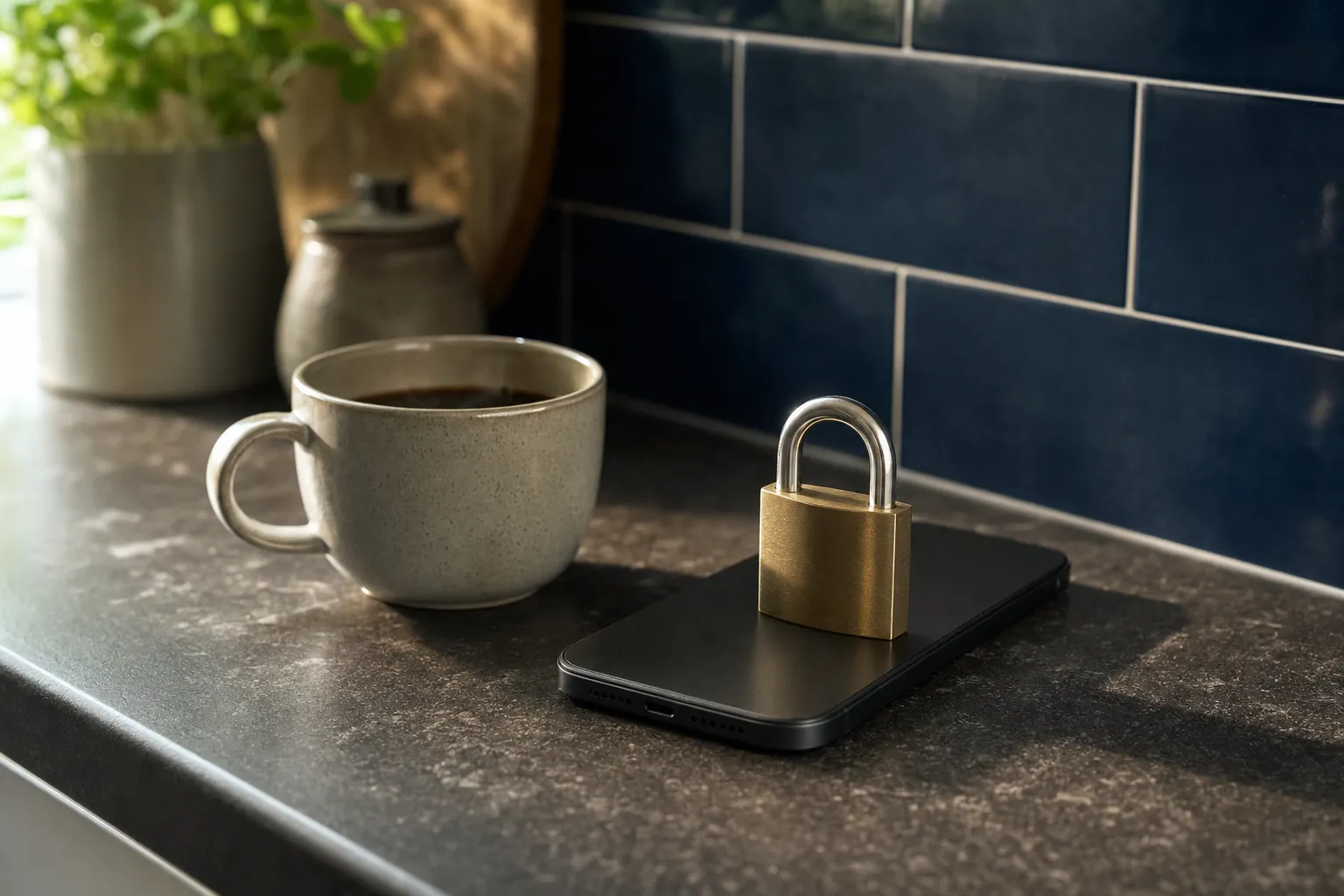 How to block apps on an iPhone so that Ignore Limit is not an optionScreen Time's limits end in an Ignore Limit button. Block at End of Limit, why a passcode helps little, and how Family Controls apps lock for real.Read the guide →
 Apps that make you exercise to unlock your phoneHow exercise-to-unlock apps work on iPhone, what separates a real one from a timer with a gym theme, six things to check, and BurnToScroll's answers.Read the guide →
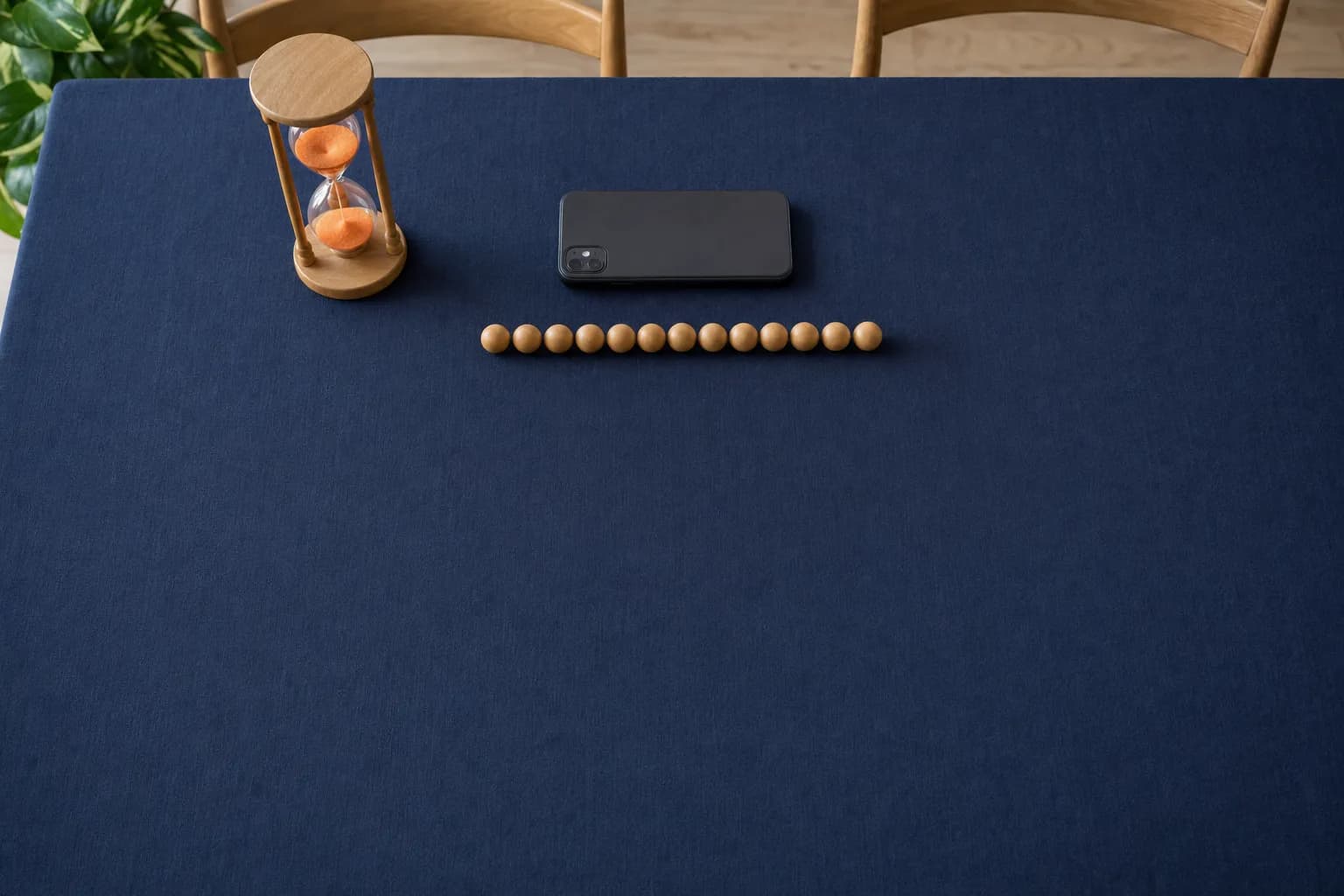 How many pushups for an hour of screen time?At the default rates an hour of scrolling costs 40 pushups, 80 squats or 10 minutes of plank. The presets, the custom rates, and how to price your feed.Read the guide →
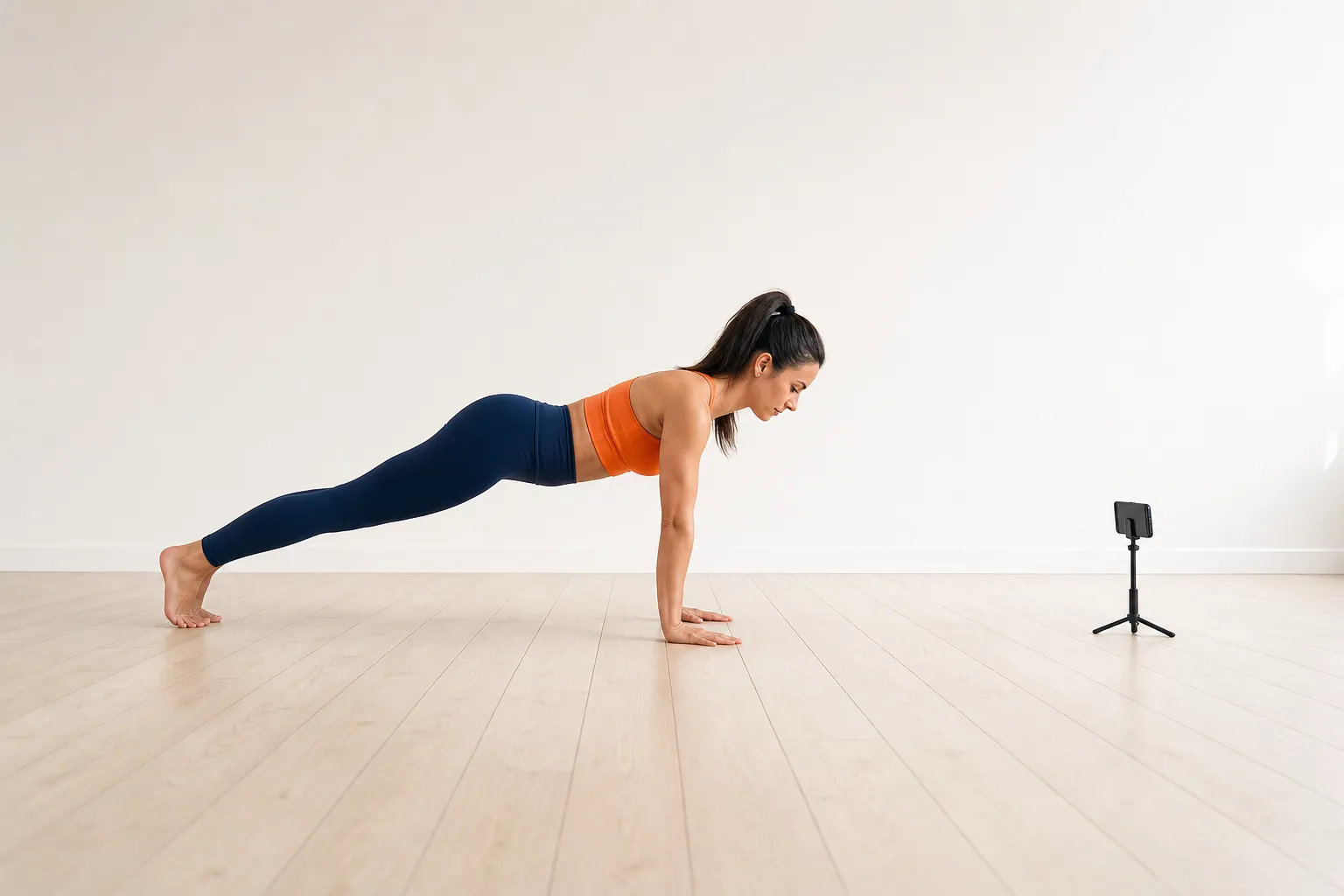 Pushup form, and what the camera checks before it counts a repHow to do a pushup a pose-detection camera counts: hands, body line, depth and lockout, where to put the phone, and what the rep counter measures.Read the guide →
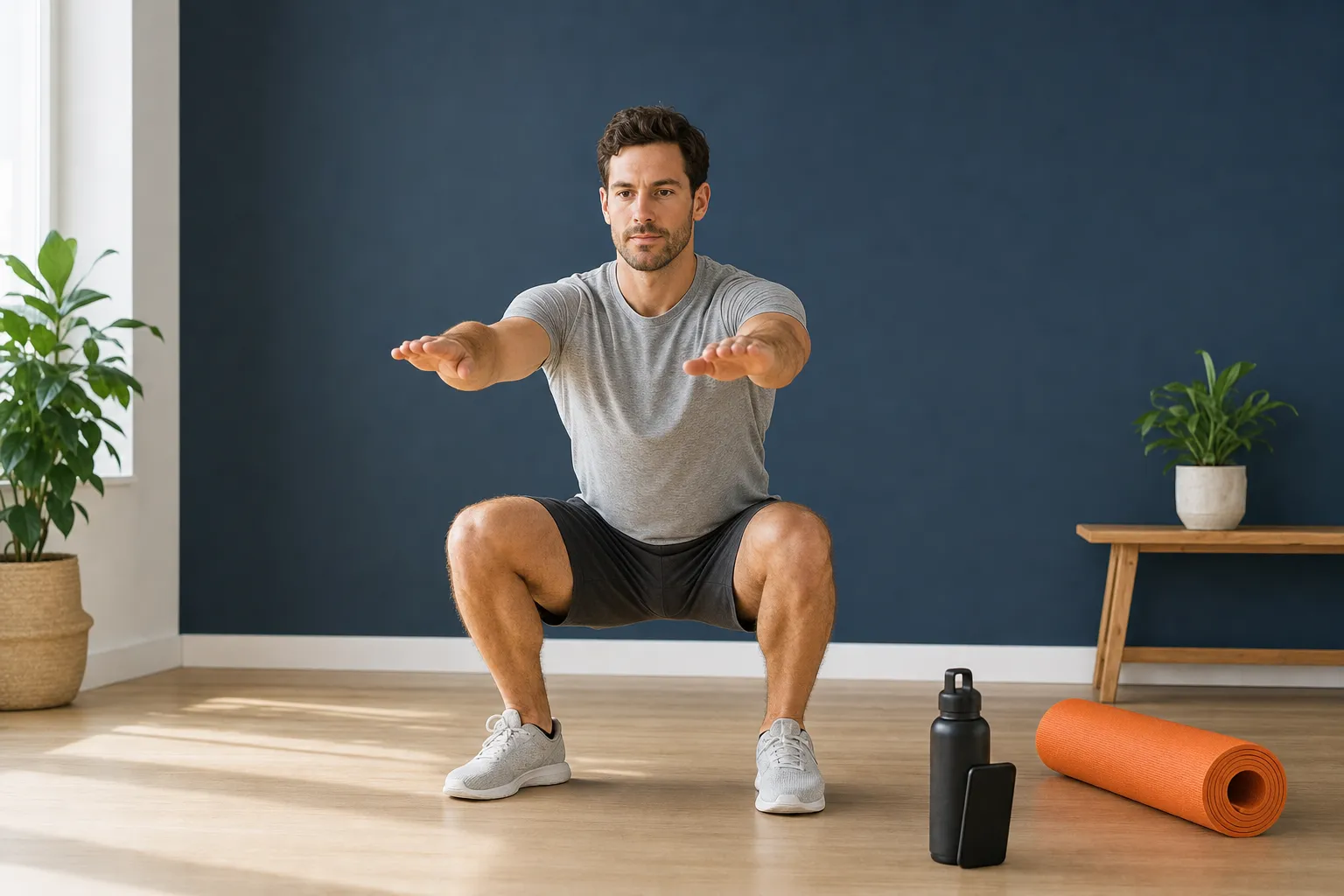 Squat and plank form, and what the camera checksHow to squat and plank so a camera counts them: depth, symmetry and heels for the squat, forearms and body line for the plank, and the checks the app runs.Read the guide →
 How to set up earned screen time on your iPhoneA step-by-step set-up for earned screen time: Screen Time access, which apps to lock, a daily goal you will keep, the rates and the first workout.Read the guide →
 What Apple's Family Controls can and cannot doApple's Family Controls, Managed Settings and Device Activity, from the documentation: what a blocking app sees, what it can shield, and what stays yours.Read the guide →
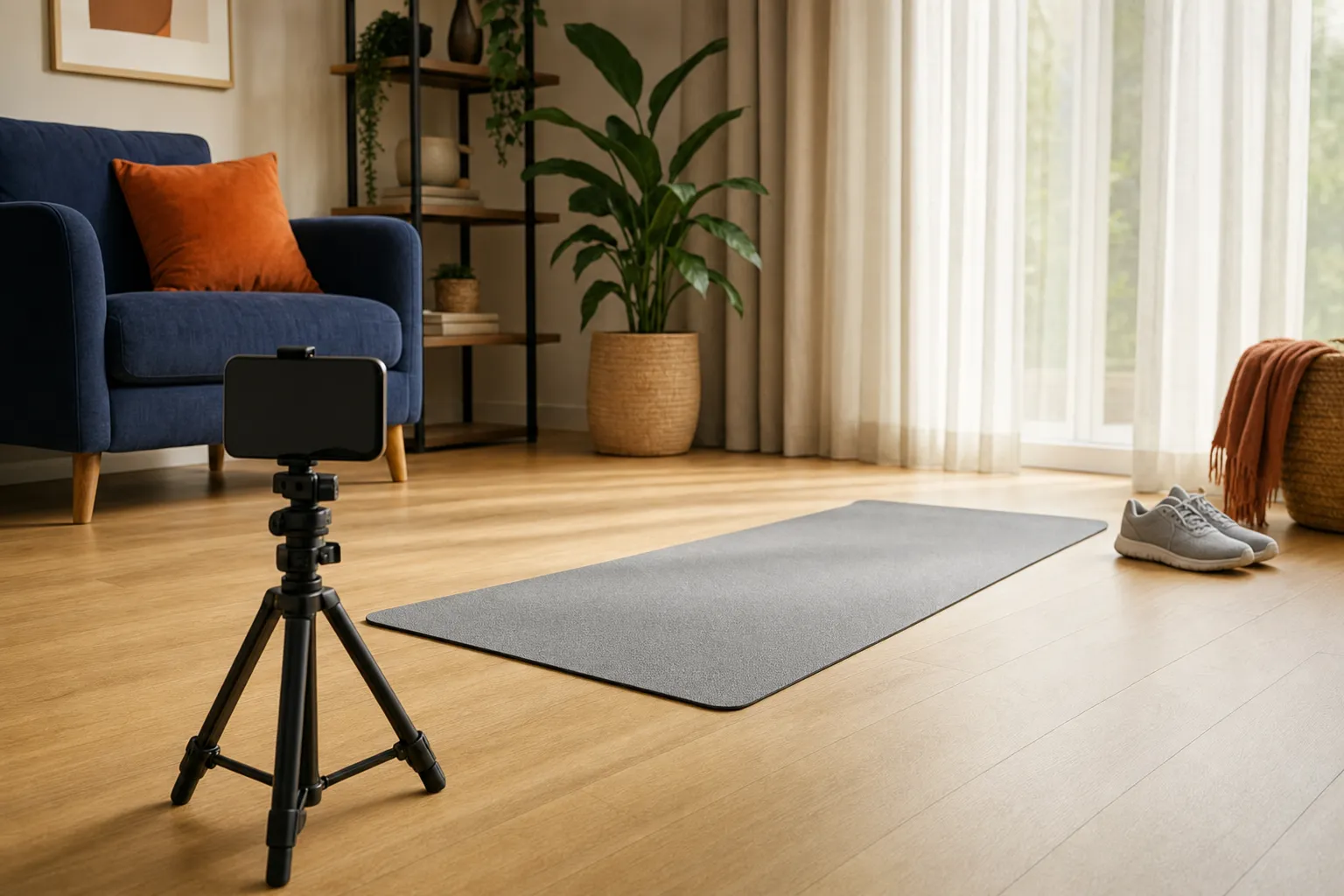 Does the app see my camera? How on-device pose detection worksHow BurnToScroll counts reps without uploading video: pose landmarks on the phone, what is kept, what leaves the device, and what the analytics send.Read the guide →
Questions
Common questions.
How does BurnToScroll block apps?
Through Apple's Family Controls, the same system that parental controls use, authorised for you as an individual. You pick apps, categories or websites in Apple's own picker, and the app receives opaque tokens rather than names. When your minute balance is zero a system shield covers the chosen apps with an Earn 5 minutes button; when the balance is above zero the shield lifts. A monitoring extension counts usage a minute at a time. The Family Controls guide explains the limits.
Learn more →How many pushups does a minute of screen time cost?
By default one pushup earns 1.5 minutes, one squat 45 seconds and 30 seconds of plank 3 minutes, paid per second held. An hour of scrolling is 40 pushups, 80 squats or 10 minutes of plank. Premium lets you set each rate yourself, down to a tenth of a minute per rep.
Learn more →Is BurnToScroll free?
Free to download, with one blocked app, one workout a day, all three exercises, the default rates and today's stats. Premium unlocks unlimited apps and workouts, the week, month and all-time stats, custom rates and the pause until midnight. It costs $2.99 a week or $24.99 a year on the US App Store, with a free trial where the store offer includes one; the listing promises three days.
Does the camera video leave my phone?
No. Rep counting runs on the device with MediaPipe pose detection, which turns each camera frame into 33 body landmarks and discards the frame; nothing is uploaded and there is no account. The app does send anonymous usage events and crash reports through Firebase, which is what the network is used for besides purchases. The camera guide covers what is checked and what is kept.
Learn more →Can I cheat the rep counter?
Not easily, and not by tapping. A pushup counts only when the elbows bend and straighten through a full range with the body in frame; a squat needs the hips to drop a real distance with both knees bending together, and a lopsided squat is rejected; a plank needs the forearms on the floor with the body extended away from the camera. A knee plank passes, because from the front the camera cannot tell, and the app's own code says so.
Learn more →What happens at midnight?
The balance resets. Minutes you earned but did not use do not carry over, and the day's used and earned counters start again, so every day begins with the shield down until the first set. The reset time is local midnight.
Learn more →Can I unlock my apps in an emergency?
Premium has a Pause until midnight switch in Settings that lifts the shield for the rest of the day. Without it, the lock is still yours: turn off the app's Screen Time access in the iPhone's Settings and the shield disappears, and the app asks you to re-enable it. The point of the app is that neither is one tap on the lock screen.
Which apps can it block?
Anything Apple's picker offers: individual apps, whole categories such as Social or Games, and websites in Safari by domain. The picker is the system's, so it shows every app on the phone, and the app is told only that a selection exists, not what is in it.
Learn more →Does BurnToScroll work on iPad or Android?
No. It is an iPhone app for iOS 16 or later; Family Controls and the camera counting need a physical iPhone, and there is no Android version.
Is it a parental control app for children?
No. It authorises Screen Time for the person holding the phone, so the owner can always change or remove it. Locking a child's phone from a parent's device is a different Family Controls flow that needs Family Sharing, and BurnToScroll does not do it.
Learn more →Download
BurnToScroll, free to start
One blocked app, one workout a day and today's stats are free. Premium unlocks unlimited apps and workouts, the full stats history, custom rates and the pause until midnight, for $2.99 a week or $24.99 a year, with a free trial where the store offer includes one. iPhone, iOS 16 or later.