Guides
BurnToScroll guides
Every guide answers one question people type when the phone has won, with Apple's and MediaPipe's documentation quoted where the wording matters, the app's rules stated as the code enforces them, and the exercise advice kept to what a camera can check. No sign-up, no email wall.
The habit
Stopping the scroll, the apps that make you earn it, and what an hour costs
Friction, replacement and a price on the feed; how exercise-to-unlock apps work and the six things to check; and the maths of 40 pushups for an hour.
 How to stop doomscrollingStop doomscrolling by breaking the automatic reach, pricing the feed and giving the urge somewhere to go. What works, what does not, and a fair trade.Read the guide →
 Apps that make you exercise to unlock your phoneHow exercise-to-unlock apps work on iPhone, what separates a real one from a timer with a gym theme, six things to check, and BurnToScroll's answers.Read the guide →
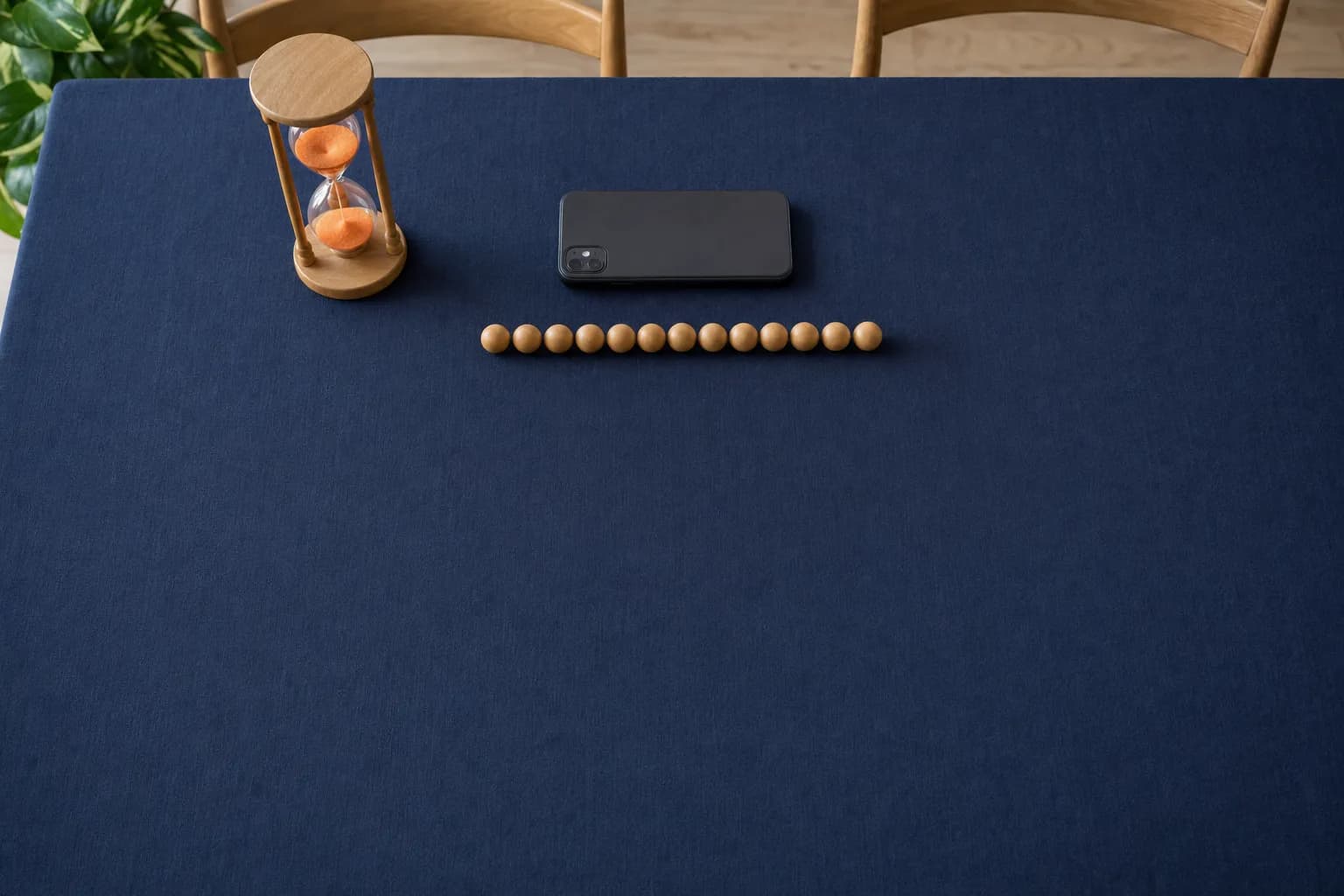 How many pushups for an hour of screen time?At the default rates an hour of scrolling costs 40 pushups, 80 squats or 10 minutes of plank. The presets, the custom rates, and how to price your feed.Read the guide →
The exercises
Pushup, squat and plank form, and a set-up that holds
What the camera measures before it counts a rep, the cues the app shows, and a ten-minute set-up with the reasoning that keeps it working past the first fortnight.
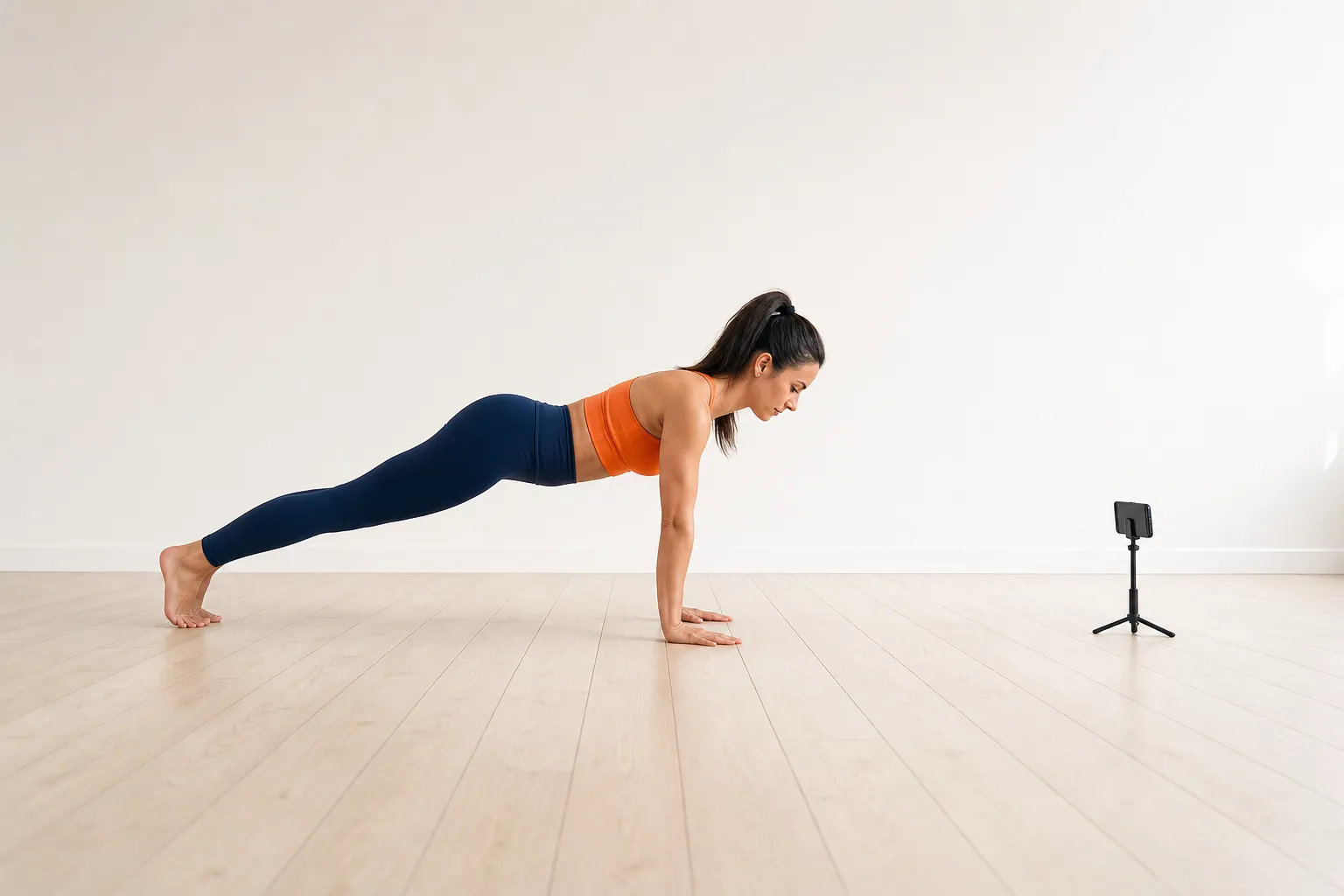 Pushup form, and what the camera checks before it counts a repHow to do a pushup a pose-detection camera counts: hands, body line, depth and lockout, where to put the phone, and what the rep counter measures.Read the guide →
 Squat and plank form, and what the camera checksHow to squat and plank so a camera counts them: depth, symmetry and heels for the squat, forearms and body line for the plank, and the checks the app runs.Read the guide →
 How to set up earned screen time on your iPhoneA step-by-step set-up for earned screen time: Screen Time access, which apps to lock, a daily goal you will keep, the rates and the first workout.Read the guide →
How it works
Blocking without an Ignore button, Apple's frameworks, and the camera
Screen Time's limits against a Family Controls shield, what the frameworks tell an app and what they keep from it, and where a camera frame goes.
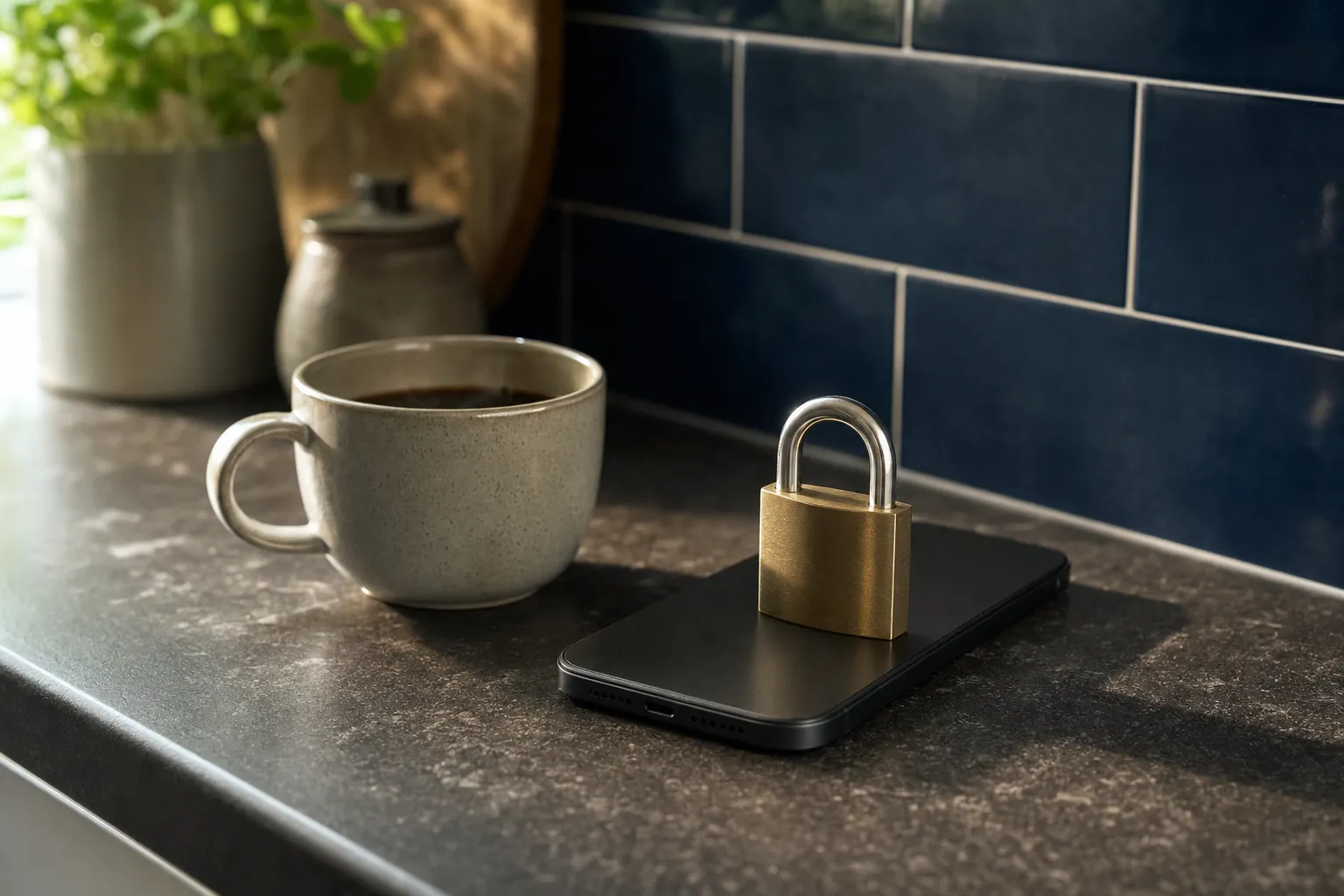 How to block apps on an iPhone so that Ignore Limit is not an optionScreen Time's limits end in an Ignore Limit button. Block at End of Limit, why a passcode helps little, and how Family Controls apps lock for real.Read the guide →
 What Apple's Family Controls can and cannot doApple's Family Controls, Managed Settings and Device Activity, from the documentation: what a blocking app sees, what it can shield, and what stays yours.Read the guide →
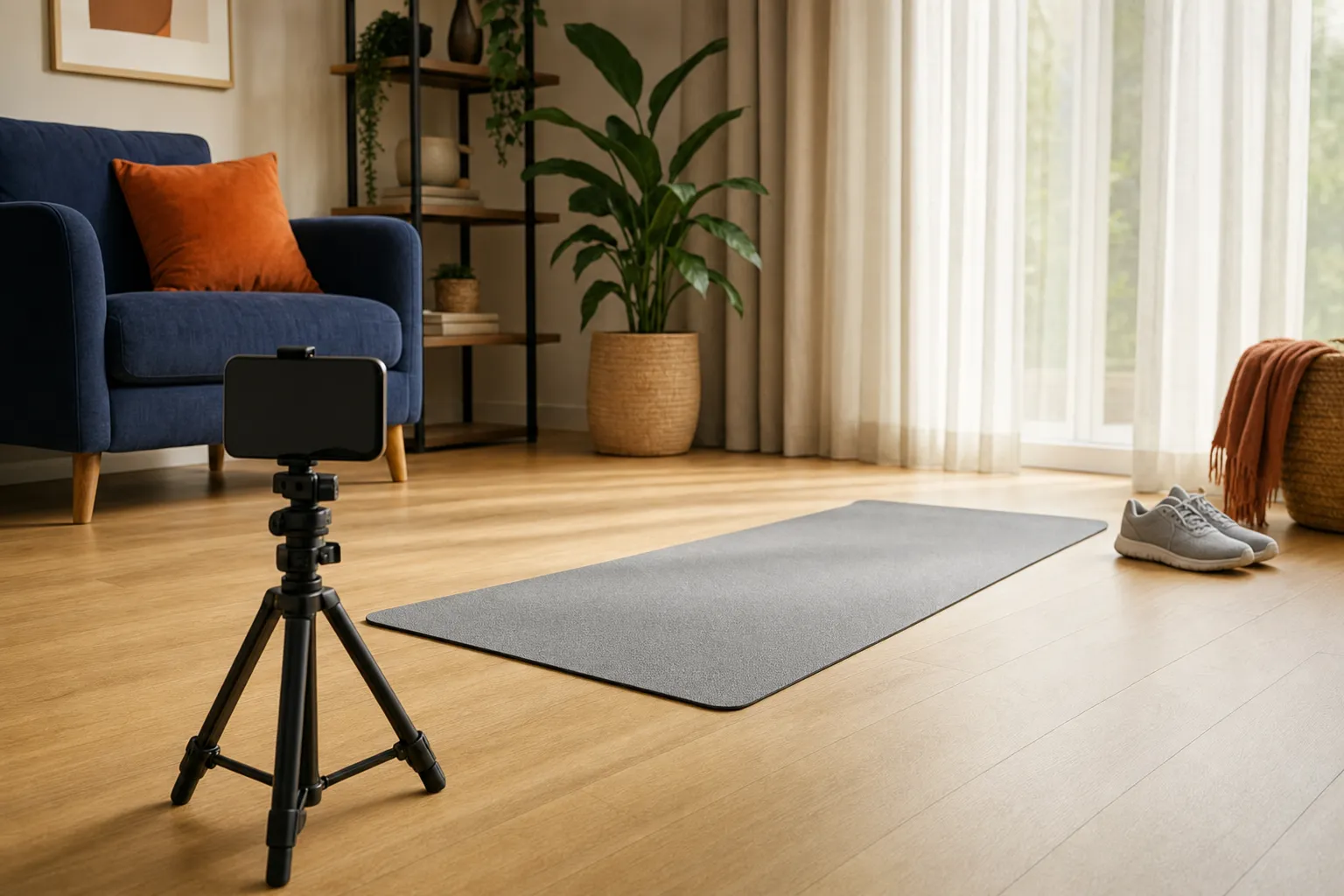 Does the app see my camera? How on-device pose detection worksHow BurnToScroll counts reps without uploading video: pose landmarks on the phone, what is kept, what leaves the device, and what the analytics send.Read the guide →
BurnToScroll is free to start on the App Store: one blocked app and one workout a day, with unlimited apps and workouts, full stats and custom rates in Premium for $2.99 a week or $24.99 a year.
Download on theApp Store