Does the app see my camera? How on-device pose detection works
Vishwen Labs
BurnToScroll counts reps by pointing the camera at you, and the video never leaves the phone: each frame goes through MediaPipe's Pose Landmarker on the device, which turns it into 33 body landmarks, the counter reads angles from those points, and the frame is dropped. Nothing is recorded, there is no account to attach anything to, and the only things that leave the phone are purchases and anonymous usage and crash reports through Firebase. That last part is in the code and this page says so, because the listing's “no tracking” is not quite the same claim.
What pose detection is
Google's MediaPipe Pose Landmarker, in its own description, “lets you detect landmarks of human bodies in an image or video”. It tracks “33 body landmark locations”, shoulders, elbows, wrists, hips, knees, ankles and the rest, as coordinates in the image and as estimated 3D positions, using a model Google says is “optimized for on-device, real-time fitness applications”. It comes in lite, full and heavy variants that trade accuracy for speed. The output is a list of points, not a picture; a pushup is the angle between three of them changing, and that is all the counter ever looks at.
What happens to a frame
The camera delivers a frame, the pose model on the phone turns it into landmarks, the app's exercise logic reads the elbow, hip and knee angles and the landmark confidences, decides whether a rep happened or a plank is being held, updates the counter and the earned minutes, and the frame is gone. Frames are not written to storage, not sent anywhere, and not kept in memory beyond the next one. What the app does keep is the session: the exercise, the reps, the seconds held for a plank, the minutes earned and the time, which is what the stats, streaks and achievements are built from, stored on the phone.
What leaves the phone
Three things. Purchases go through Apple and RevenueCat, which is how the subscription is checked. Anonymous usage events go to Firebase Analytics, such as the app opening, onboarding steps completed, a permission granted or denied, and crash reports go to Firebase Crashlytics; both are switched on in the app's code, and neither carries video, your app selection or your name, since the app has none of them. The listing describes the app as working fully offline and not tracking; the accurate version is that everything the app does works offline, and it reports anonymous usage when it can. The Info.plist also carries a location text because the analytics SDK references location APIs; the app never requests location.
The camera permission, and the photo one
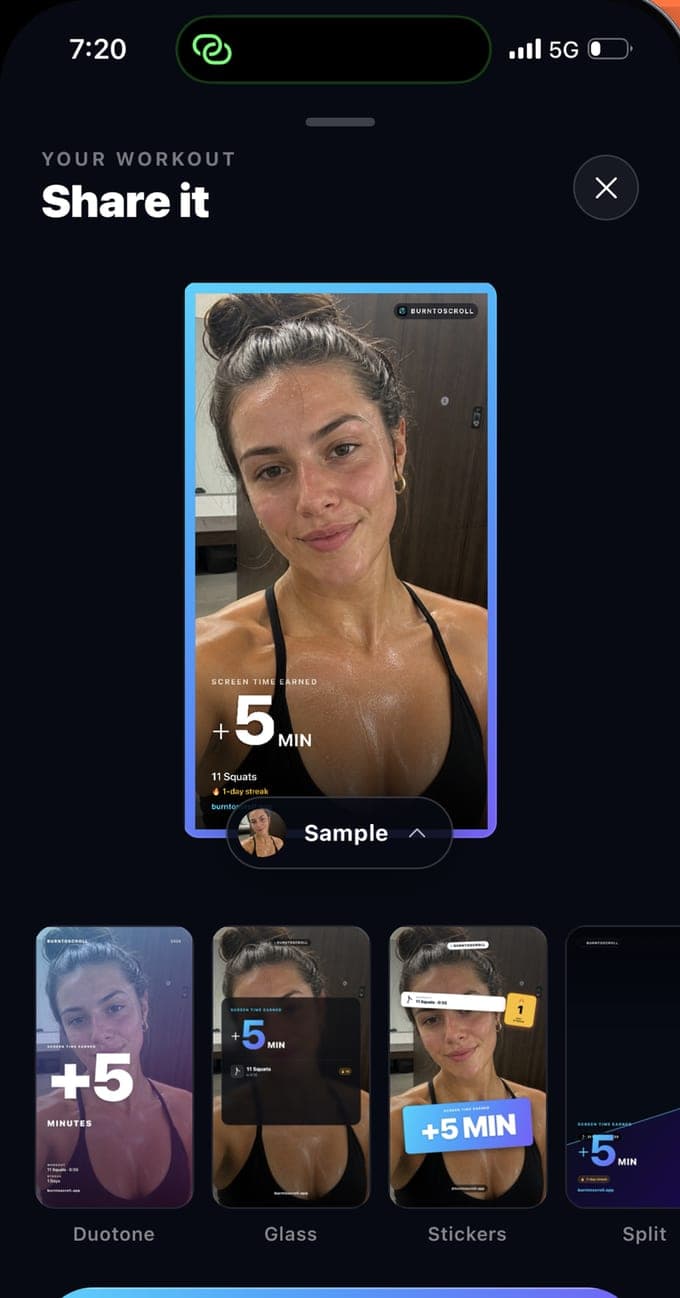
Camera access is asked for at the first workout and is required to count reps; deny it and the app tells you it cannot count without it. Photo library access is asked for only if you choose to put your own photo on a share card, and it is the add-only permission, so the app can save a card and cannot browse your library. Notifications are optional and cover the daily reminder, the streak warning and the low-balance alert. Screen Time access is the fourth permission and is covered in the Family Controls guide.
Why on-device matters here
A workout camera points at you in your bedroom in your underwear, and the difference between on-device and cloud processing is the difference between a private mirror and a video call. On-device detection also works with no signal, on a plane or in a basement, which is where the balance runs out. The cost is that the model has to fit in the phone, which is why the checks are angles and distances rather than judgement, and why a knee plank passes. That trade is the right one for an app whose whole job is to be there at eleven at night.
Questions people also ask
Does BurnToScroll record or upload workout video?
No. Frames are processed on the phone into landmarks and discarded. Nothing is recorded, and the only network traffic is purchases and anonymous analytics and crash reports.
Why does the app's privacy text mention location?
Because the Firebase analytics SDK it includes references location APIs, iOS requires an explanation string. The app's own text says it does not use your location and never requests it, and there is no location prompt.