
Push Up Counter
Fitness · iOS 15.1 or later
A push up counter that counts your reps with the camera. No tapping.
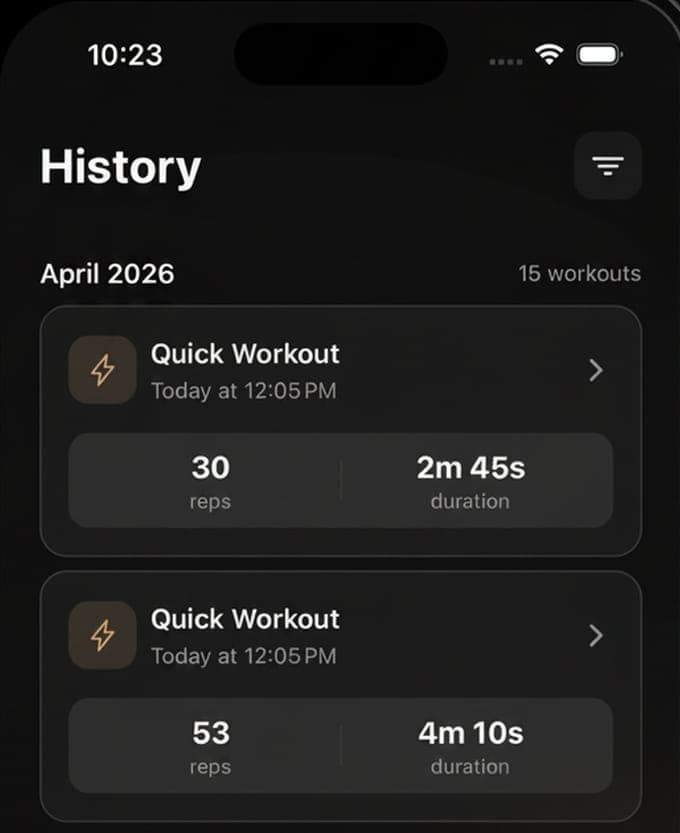
Prop the phone against a wall, get into position and go. Push Up Counter follows your body with pose detection on the phone itself and counts a rep only when the elbows dip to 130 degrees or less and open again to 150, so half reps and bounces do not count and you never touch the screen. Every set gets a form score out of 100 for hip alignment, elbow symmetry, depth and full extension, and a voice reads the count while your eyes stay on the floor. Sets mode is free without limit; Pro adds EMOM, Tabata and Max Reps and keeps history past seven days. Daily and weekly rep goals, a streak, personal records, four home-screen widgets, and each workout's calories written to Apple Health.
- Counts by elbow angle through a full range, on the device; no video leaves the phone
- A form score out of 100 from hip line, symmetry, depth and lockout
- Free: unlimited Sets workouts, goals, streaks, widgets and 7 days of history
Count
Prop the phone, do the set, hear the number
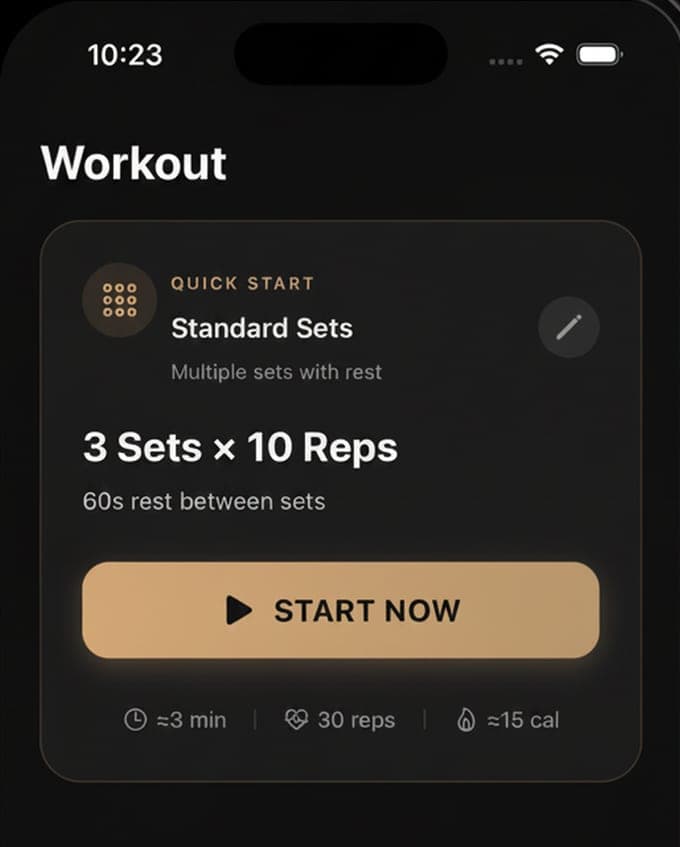
The camera needs to see you side-on, from hands to feet, so the phone leans against a wall at floor level a couple of metres away. Pose detection tracks 33 points on the body and waits until you are in position, body roughly horizontal and hands below the shoulders, for a third of a second before it starts. From then on it reads the angle at the elbow: a rep opens when the arms bend below 140 degrees, has to reach 130 or less at the bottom with at least 15 degrees of travel, and closes when the arms straighten to 150, never faster than 150 milliseconds. Each counted rep gets a voice number and a haptic tap; milestones and the end of a set are read out too. The Sets quick start is 3 sets of 10 with 60 seconds of rest, and any set can be 1 to 20 sets of up to 200 reps with 10 to 300 seconds between them.
Score
A form score you can act on
Every workout ends with a form score out of 100, built from four things the camera can measure: whether the shoulders, hips and ankles stayed in a line within 15 degrees, counted at 30 percent; whether the two elbows bent evenly within 15 degrees, 25 percent; whether each rep reached depth, 25 percent; and whether each rep locked out at the top, 20 percent. The results screen shows Depth, Alignment and Consistency as one to five, calls the set excellent above 90, good above 75 and fair above 60, and names the fault when there is one: hips sagging or piking, one arm working harder, reps cut short. It is not a coach, but it is the same four checks a coach would make first.
Track
Goals, streaks, records and a history that stays
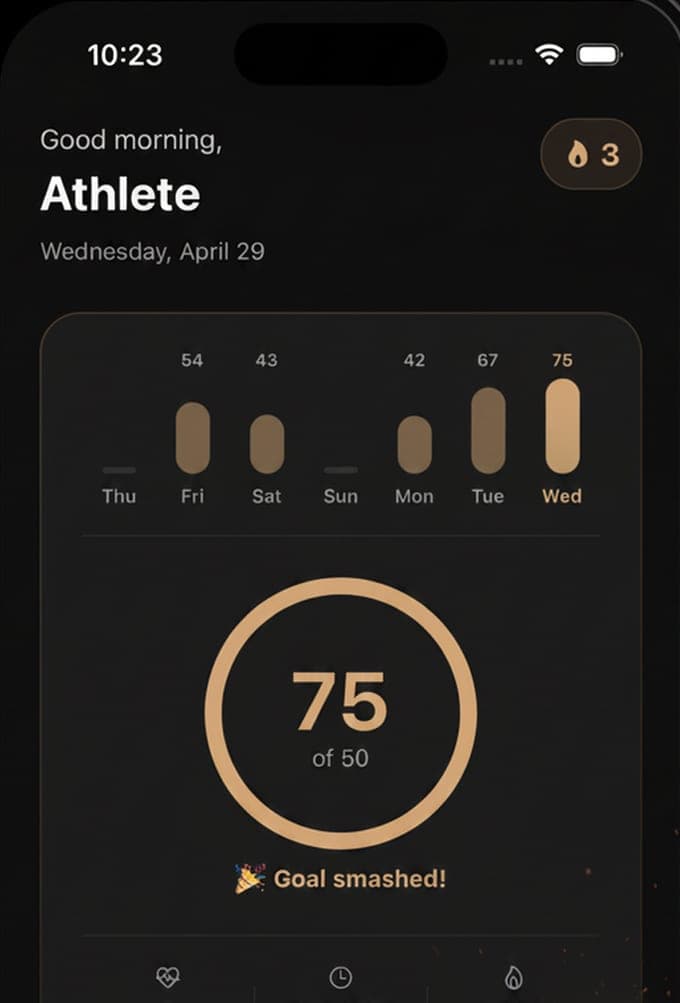
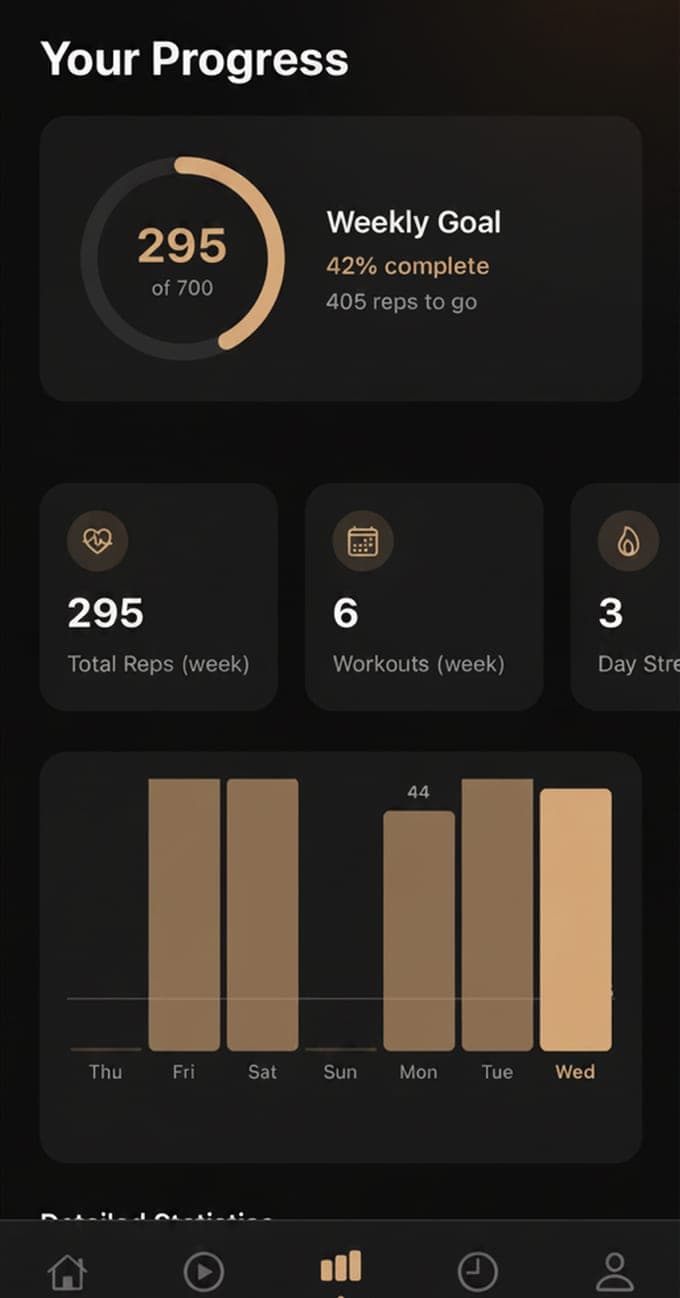
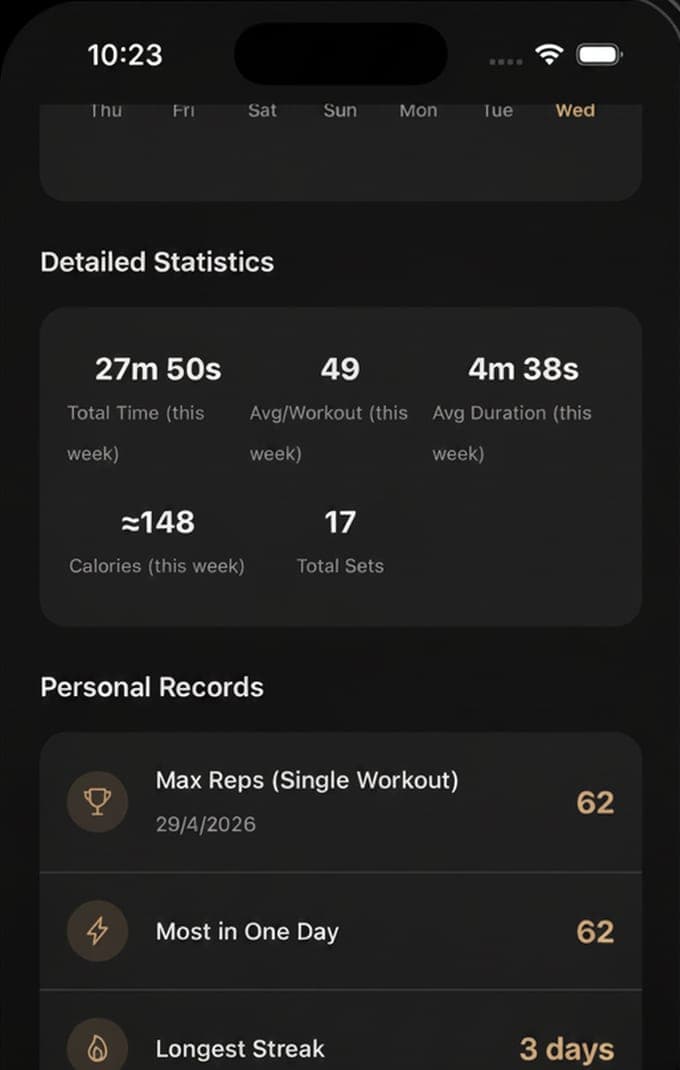
A daily rep goal and a weekly one, 100 and 700 by default and yours to change, fill a ring on the home screen; a day with a workout extends the streak, and a reminder at 8 in the evening nags if the day is still empty. Personal records keep the most reps in one workout, the most in a day, the longest streak and the total workouts, and eight achievements mark the first workout, 50 and 100 reps in one, week and month streaks, 1,000 and 5,000 lifetime reps and 30 reps in a minute. Four widgets put today, the week, the streak and a quick start on the home screen. Each workout's calories, about half a calorie a rep and more at pace, are written to Apple Health, and the whole history exports to CSV. The last seven days of history are free; Pro keeps the rest.
How it works
Install to the first counted set.
01
Lean the phone against a wall
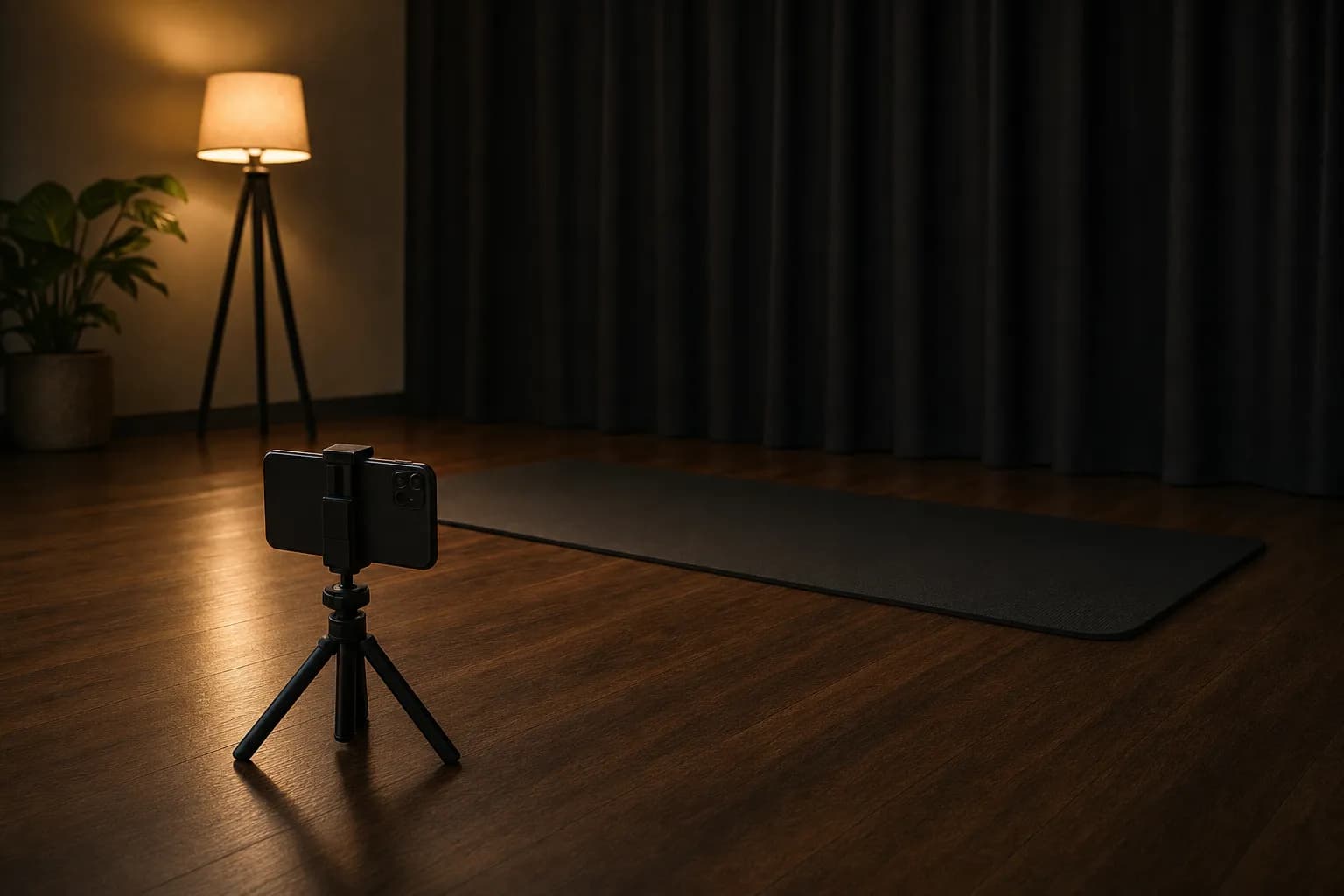
Download Push Up Counter on an iPhone or iPad with iOS 15.1 or later and allow the camera. Stand the phone against a wall or a book at floor level, two metres or so to your side, so the frame holds your whole body from hands to feet. Light from the front or side; a window behind you turns you into a silhouette.
02
Pick a mode and get into position
Sets is free and starts at 3 × 10 with 60 seconds of rest. Pro adds Max Reps, one set to failure; EMOM, a rep target every minute for 1 to 30 minutes; and Tabata, 8 rounds of 20 seconds on and 10 off. Drop into the top of a pushup and hold still for a moment; the app says when it is in position.
03
Do the set and read the score
Full range, controlled reps. The voice counts, the phone taps, the rest timer runs between sets. The results screen shows reps, the set breakdown, reps per minute, an estimate of calories and the form score with its three parts, compares the set with your best and your last, and saves the calories to Apple Health.
Guides
Pushups, counted and explained.
Nine guides on what people search for about pushups: how many to do a day, how to do more, how to test your max, what good form is and how a camera scores it, how to count reps with the phone's camera, EMOM, Tabata and Max Reps, what pushups burn, streaks and goals, and whether the app sees your camera.
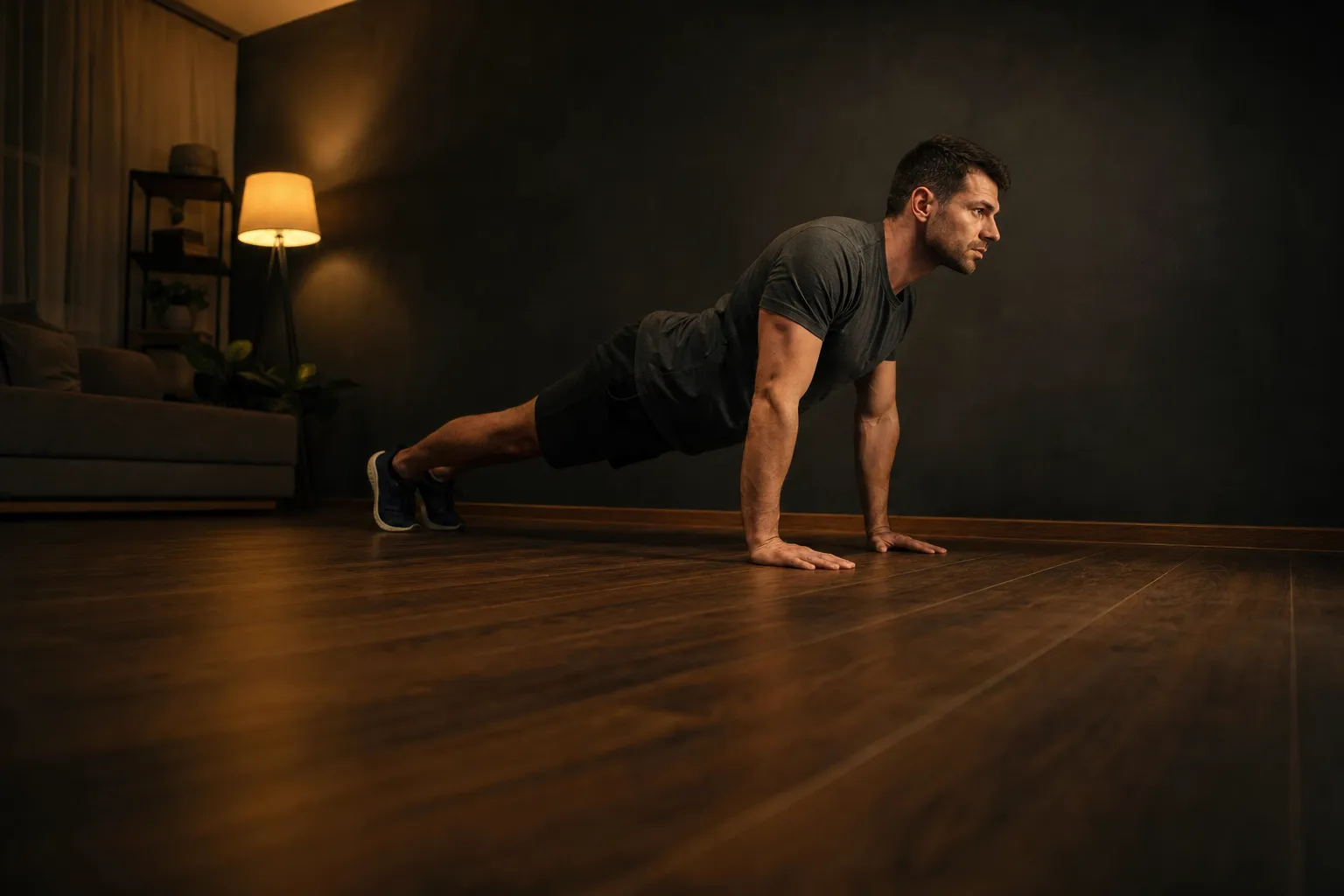 How many pushups a day should you do?Start with two or three sets of 5 to 10 pushups a day, build to 50 or 100 in sets over a few weeks, and rest when strength is the goal. Numbers by level.Read the guide →
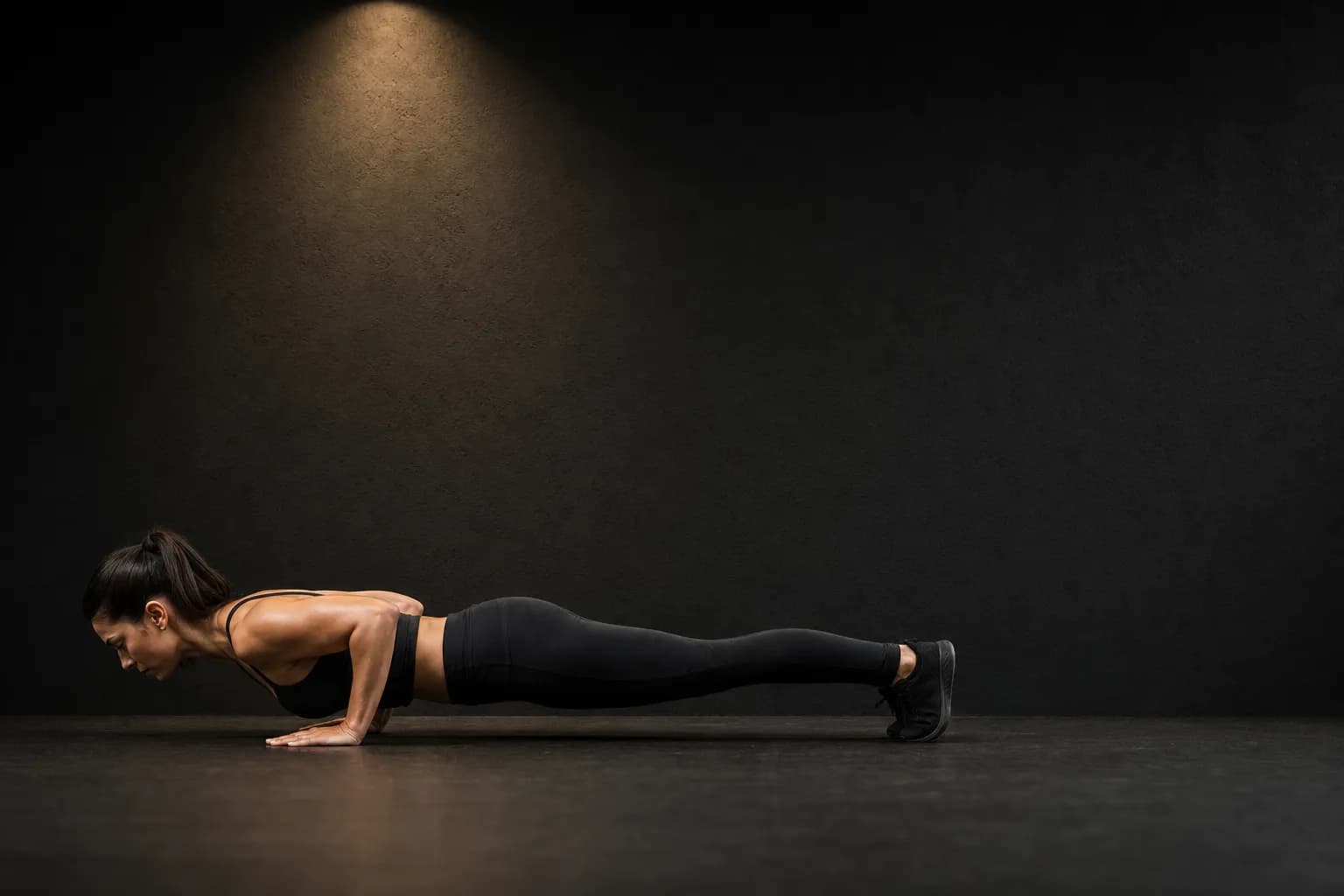 Pushup form: depth, alignment and symmetry, and how a camera scores themGood pushup form: a straight line from shoulders to ankles, elbows bending evenly to 90 degrees, and a full lockout. How the app scores it out of 100.Read the guide →
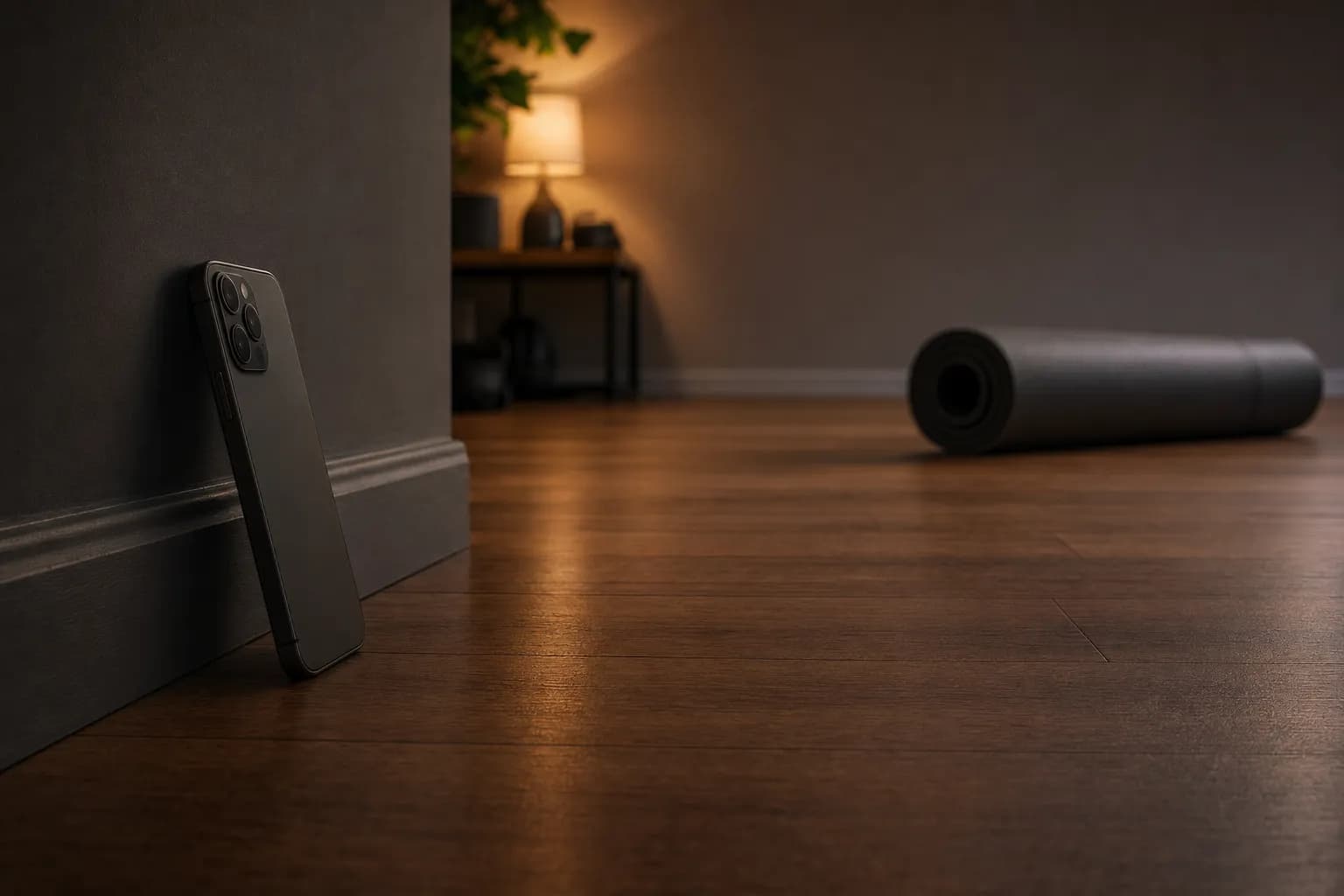 How to count pushups with your phone cameraLean the phone against a wall at floor level two metres to your side, light from the front, get in position and hold still. The setup and the fixes.Read the guide →
 EMOM, Tabata and Max Reps pushup workoutsEMOM is a rep target every minute with the rest as recovery; Tabata is 8 rounds of 20 seconds on, 10 off; Max Reps is one set to failure. What each trains.Read the guide →
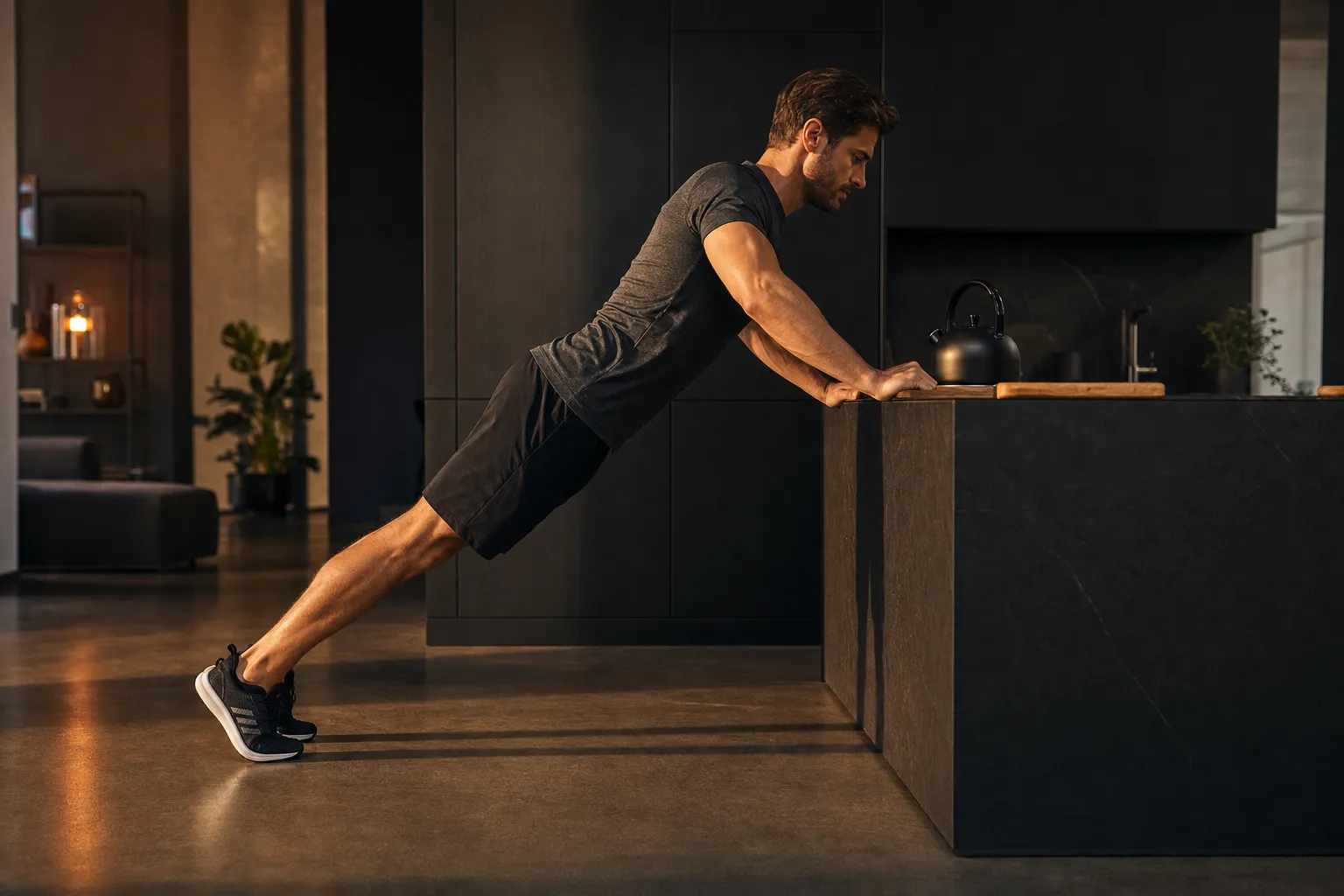 How to do more pushupsDo more pushups by climbing from incline to knee to floor, training in sets short of failure, adding a rep a week, and resting. The ladder and the sets.Read the guide →
 How many calories do pushups burn?Pushups burn about half a calorie each, more at pace: 20 pushups is about 10 calories, 100 about 50 to 65. How the estimate is made and what Health gets.Read the guide →
 How to test your max pushupsTest your max pushups rested and warm, one set to failure with full reps, every two to four weeks, and record it. The protocol and what the app records.Read the guide →
 Pushup streaks, daily goals and widgetsA daily rep goal you can meet, a weekly one that adds up, a streak that survives easy days, a reminder before bed and a home-screen widget.Read the guide →
 Does the pushup counter see my camera? What stays on the phone and what leavesCamera frames become 33 body points on the phone and are discarded; nothing is recorded or uploaded. What is stored, what Firebase sends, what Health gets.Read the guide →
Questions
Common questions.
How does the app count pushups with the camera?
Pose detection on the phone turns each camera frame into 33 body landmarks and the app reads the angle at the elbow. A rep opens when the arms bend below 140 degrees, must reach 130 degrees or less at the bottom, and closes when they straighten back to 150; a rep also needs at least 15 degrees of travel and 150 milliseconds. Nothing is tapped and no video is stored or sent.
Learn more →Does it count half reps or bounces?
Half reps that never reach 130 degrees at the elbow do not count, and a dip of less than 15 degrees does not either. A fast bounce that passes through the thresholds counts as a rep but costs depth and consistency in the form score, which is where it belongs. The form guide has the numbers.
Learn more →What does the form score measure?
Four things, weighted to 100: the shoulder-hip-ankle line staying within 15 degrees of straight (30), the two elbows bending within 15 degrees of each other (25), each rep reaching depth (25) and each rep locking out at the top (20). It is shown as a score out of 100 with Depth, Alignment and Consistency as one to five stars.
Learn more →Is Push Up Counter free?
Free to download and to use Sets mode without limit, with the camera counting, the form score, goals, streaks, achievements, widgets, Apple Health and the last seven days of history. Pro adds Max Reps, EMOM and Tabata and keeps history older than seven days. On the US App Store it costs $1.99 a week, with a three-day free trial on the weekly plan, or $14.99 a year.
Does it count knee pushups or incline pushups?
Knee pushups usually count, since the elbow angle and the shoulder-to-hip line look the same to the camera. Incline pushups against a counter often do not, because the app first checks that the body is roughly horizontal with the hands below the shoulders before it starts counting. It is built for floor pushups; the progression guide covers how to get there.
Learn more →Does the pushup counter record or upload my camera?
No. Frames are turned into landmarks on the device and discarded; nothing is recorded or uploaded, and there is no account. The app does send anonymous usage events and crash reports through Firebase. The camera guide sets out what is kept and what leaves.
Learn more →What does it write to Apple Health?
The estimated calories of each workout, as an active-energy entry, and it reads today's active calories back to show them. It does not write a workout record, whatever the listing says, so the session appears in Health as energy burned rather than as a strength workout.
Learn more →How does it estimate calories?
Half a calorie per pushup, multiplied by 1.15 when you average more than 15 reps a minute and 1.3 above 20. Twenty pushups is about 10 calories. It is an estimate that ignores your bodyweight, and the calories guide says how rough it is.
Learn more →Does it count out loud?
Yes. A voice reads each rep, the milestones and the end of a set, with a haptic tap per rep, and both can be switched off. The settings offer a male or female voice, but in the shipped build the choice does not change the voice; the app's own audit notes it.
What are EMOM, Tabata and Max Reps?
EMOM is a rep target every minute on the minute, for 1 to 30 minutes, with whatever is left of each minute as rest. Tabata is 8 rounds of 20 seconds of reps and 10 seconds off, four minutes in all. Max Reps is one set to failure, for testing. All three are Pro; Sets is free.
Learn more →Download
Push Up Counter, free to start
Sets mode, the camera counter, the form score, goals, streaks, widgets, Apple Health and seven days of history are free. Pro adds Max Reps, EMOM and Tabata and the full history, for $1.99 a week with a three-day trial or $14.99 a year. iPhone and iPad, iOS 15.1 or later.