Does the pushup counter see my camera? What stays on the phone and what leaves
Vishwen Labs
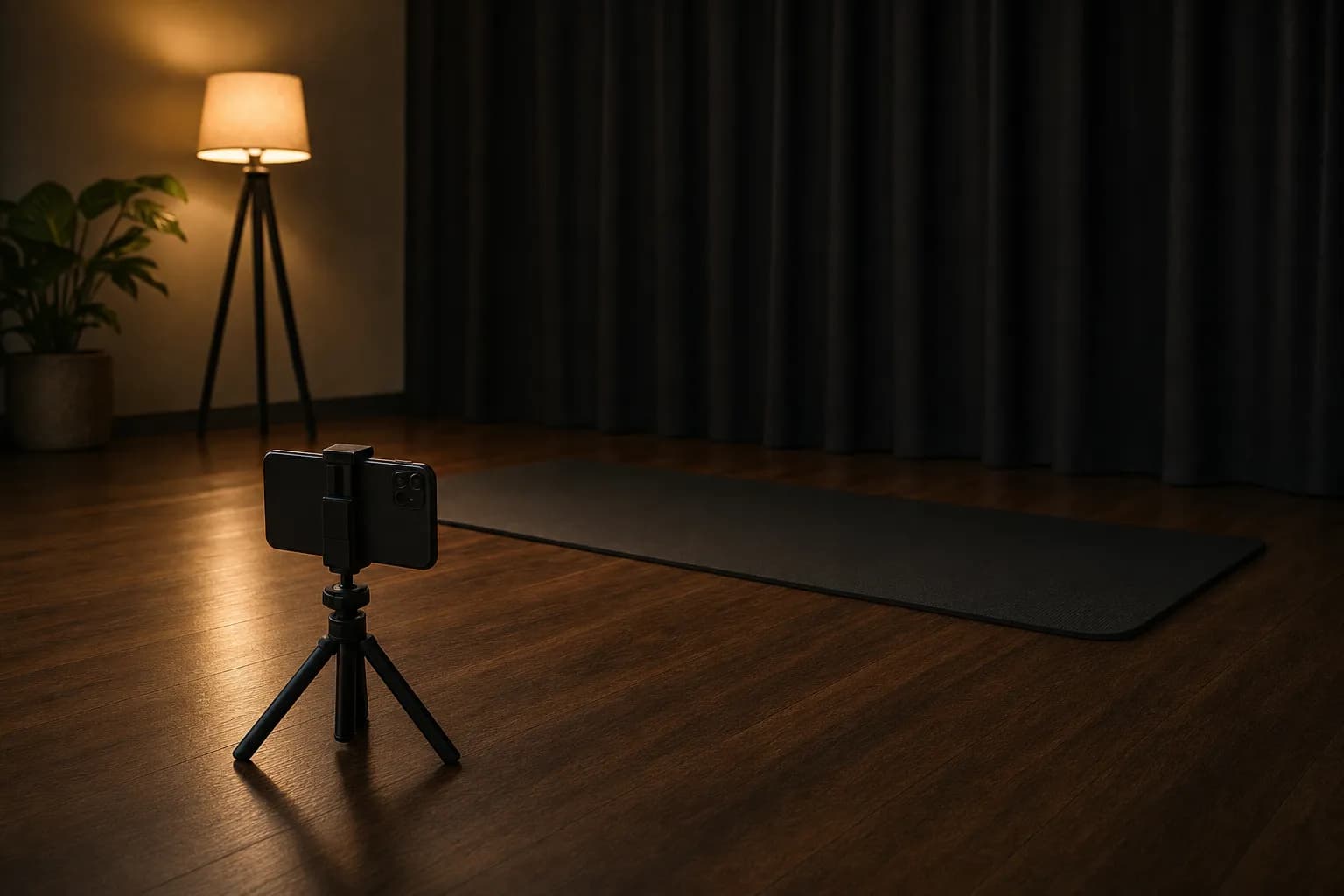
Push Up Counter points the camera at you to count, and the video never leaves the phone: each frame goes through MediaPipe's pose detection on the device, comes out as 33 body landmarks, and is discarded once the elbow and hip angles have been read. Nothing is recorded, there is no account, and the workouts live in a database on the phone. What does leave the phone is anonymous usage and crash reporting through Firebase, purchases through Apple, and, if you allow it, the calories of each workout to Apple Health. That is the whole list, and this page says what is in each item.
What happens to a frame
The camera delivers frames; the pose model on the phone, Google's Pose Landmarker, which its documentation describes as detecting landmarks of human bodies in an image or video and tracking 33 body landmark locations, turns each one into a list of points with a visibility figure for each. The app reads the shoulder, elbow and wrist points for the elbow angle, the shoulder, hip and ankle points for the body line, and the two elbows against each other for symmetry, updates the counter and the form score, and drops the frame. Frames are not written to storage, not held beyond the next frame, and not sent anywhere. The model is the same on-device, real-time fitness model that other camera counters use, and it needs no connection.
What is stored on the phone
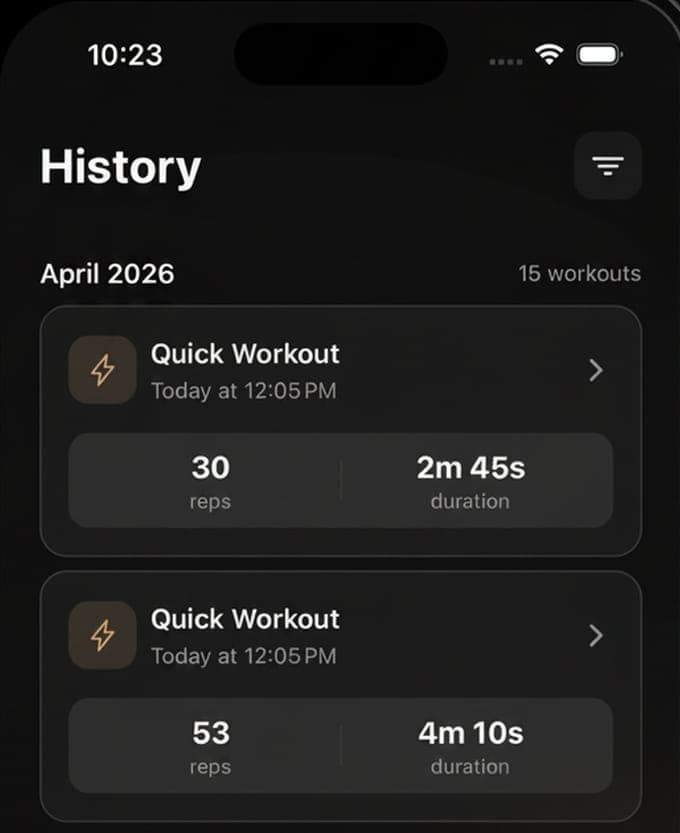
Each workout is saved to a local database: the mode, the sets and reps, the duration, the reps per minute, the calorie estimate, the form score and its parts, and the time. From that the app builds the history, the progress charts, the goals, the streak, the personal records and the achievements. The Data settings export it all as a CSV file, and the same screen can delete it. There is no sign-in and no cloud copy, which means there is also no restore on a new phone beyond the CSV you exported; the four widgets read the same local data through an app group.
What leaves the phone
Three things, and nothing else:
- Firebase Analytics and Crashlytics, switched on in the app's code: anonymous screen views and events such as a workout completed or an achievement unlocked, plus crash reports. No video, no landmarks, no name, since the app has none.
- Purchases, through Apple's App Store and RevenueCat, which is how the Pro subscription is checked.
- Apple Health, only if you allow it: one active-energy entry per workout, and a read of today's active calories.
The permissions, one by one
Camera is asked for at the first workout and is required, since counting is the whole app. Health is optional and asks for two things, the right to save energy samples and the right to read them, with the usage text saying exactly that. Notifications are optional and cover the daily reminder, the streak reminder, achievements and the weekly summary. There is no location, microphone, contacts or photo permission; the voice that reads the count is the phone's own speech engine, which needs nothing from you.
Why on-device is the right design here
A pushup camera looks at you on your bedroom floor, and the difference between processing on the phone and in the cloud is the difference between a mirror and a video call. On-device detection also works with no signal, in a hotel gym or a basement, and it answers within a frame or two, which is what a rep counter needs. The cost is that the checks are angles and distances rather than judgement, which is why the form score measures four things and not twenty. For a counter, that is the right trade.
Questions people also ask
Does Push Up Counter record video of my workouts?
No. Frames are converted to landmarks on the phone and discarded; nothing is recorded, saved or uploaded. The only network traffic is anonymous analytics and crash reports, purchases, and Apple Health if you allow it.
Can I use the app without giving it Apple Health access?
Yes. Health is optional; without it the app still counts, scores and keeps its own history and calorie estimates. Allow it if you want the calories to appear in the Health app's active energy.