How to count pushups with your phone camera
Vishwen Labs
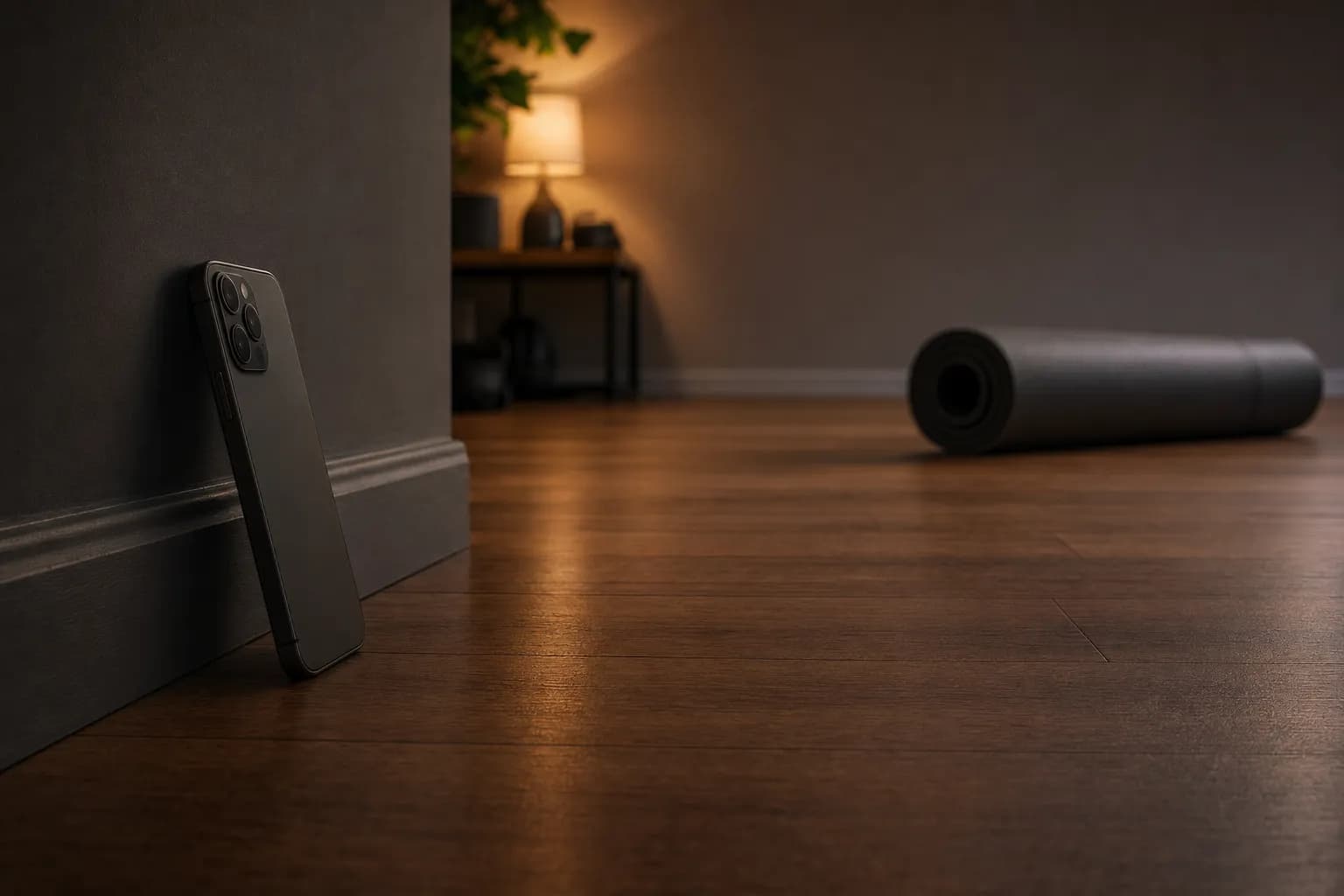
To count pushups with your phone's camera, lean the phone against a wall or a book at floor level about two metres to your side, so the frame holds your whole body from hands to feet in profile, light the room from the front or the side, drop into the top of a pushup and hold still for a moment until the app says it is in position. From then on the counter reads the angle at your elbows and counts each full rep out loud. The steps below are Push Up Counter's; the reasons follow.
Counting pushups with the phone camera
- Allow the camera. The first workout asks for camera access; it is the only way the app can count. Frames are processed on the phone and never stored or sent.
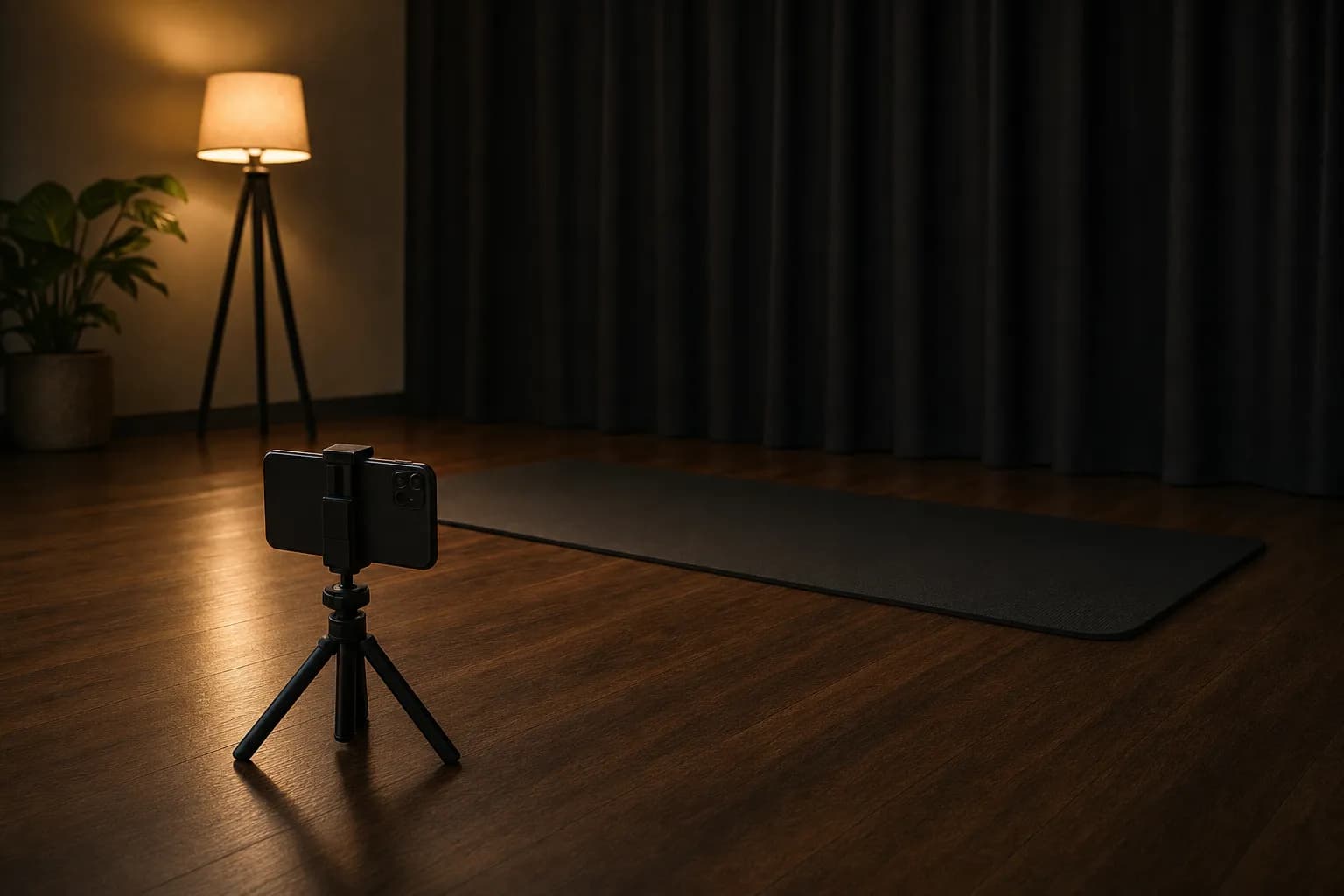
- Lean the phone at floor level, side-on. Stand the phone against a wall, a book or a water bottle with the screen facing the space where you will lie, about two metres to your side. The camera has to see your shoulders, elbows, wrists, hips and ankles through the whole rep.
- Sort the light. Light from the front or the side of the camera. A bright window behind you turns you into a silhouette and the landmarks drift; a dim room is fine as long as your outline is clear.
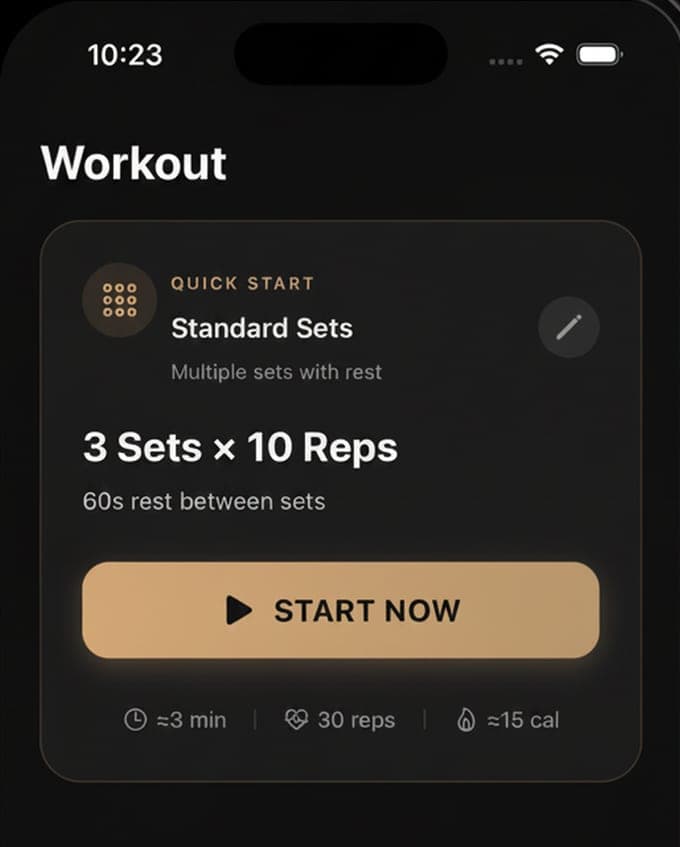
- Pick a mode and start. Sets is free and starts at 3 sets of 10 with 60 seconds of rest; Pro adds Max Reps, EMOM and Tabata. Tap Start Now and walk to the mat.
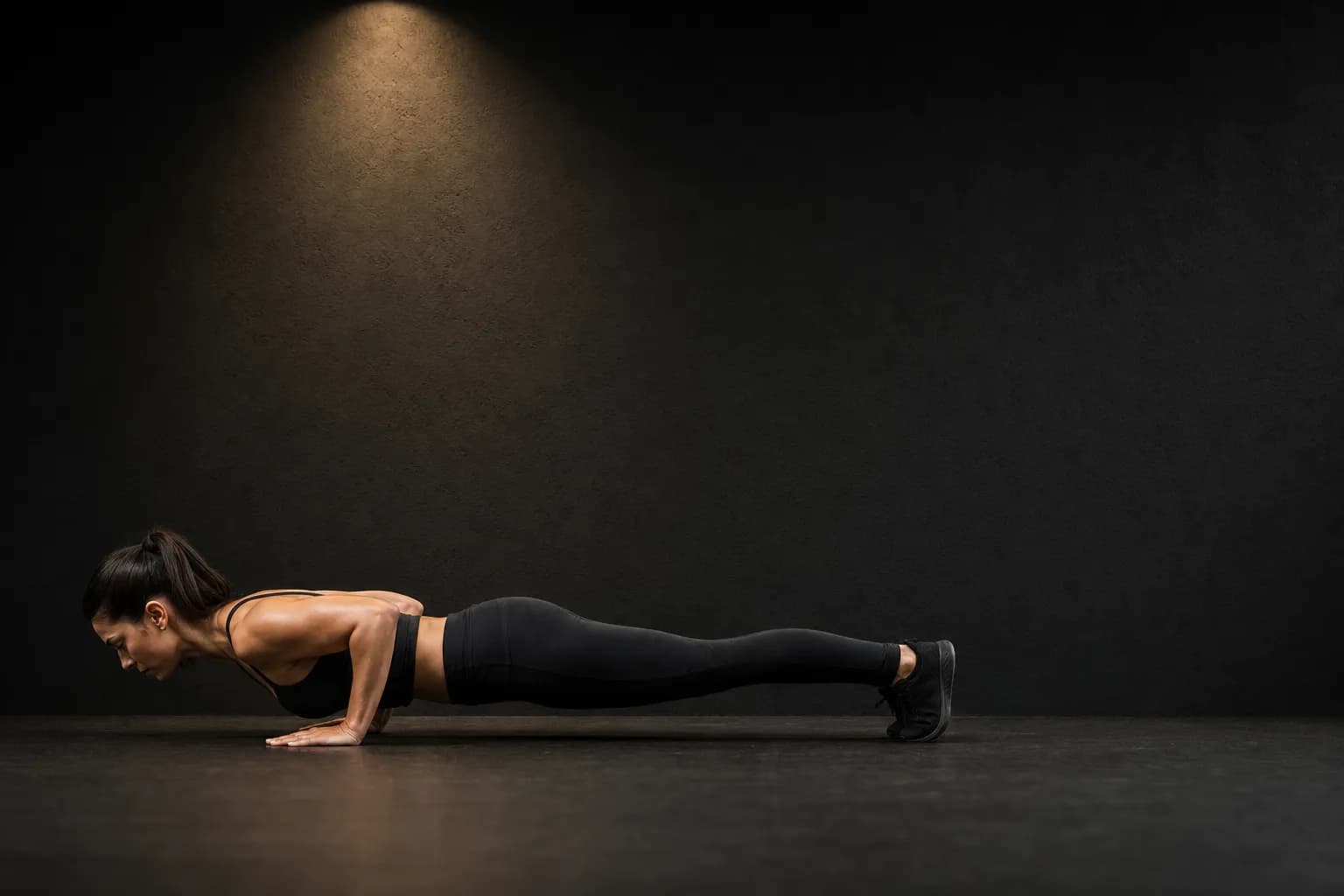
- Get into position and hold still. Take the top of a pushup, body straight, hands under the shoulders. The app waits until the body reads as horizontal with the hands below the shoulders for about a third of a second, then starts counting.
- Do full reps and listen. Bend the elbows below 140 degrees, reach 130 or lower at the bottom, and straighten to 150 at the top. Each counted rep gets a spoken number and a haptic tap; milestones and the end of the set are read out too.
- Read the results. The results screen shows the reps, the set breakdown, reps per minute, calories and the form score with its three parts, compares the set with your best, and saves the calories to Apple Health.
What the counter needs to see
Pose detection turns each frame into 33 body landmarks with a visibility figure for each. The app needs the landmarks it uses to be at least 30 percent visible to judge your position and 50 percent visible to trust an angle, which is why the side view matters: from the front, one arm hides the other and the hip line cannot be measured at all. Two metres is about right for a full body in an upright phone's frame; further away shrinks the joints, closer cuts off the feet. If a rep is not counted, the first thing to check is whether the app can still see your ankles.
Why it waits before counting
Walking into frame, kneeling down and settling into position all move the elbows, and a naive counter would log reps before you started. The app therefore requires the body to be roughly horizontal, the vertical span from shoulders to hips no more than a quarter of the frame, with the hands below the shoulders, and to stay that way for about 300 milliseconds before it arms the counter. The same check stops a rep from counting while you rest on your knees between sets. Get into the top position, breathe once, and the count starts.
What counts as a rep
The counter tracks the elbow angle through each rep. The rep opens when the angle drops below 140 degrees, has to reach 130 or less at the bottom with at least 15 degrees of travel, and closes when the arms straighten back to 150; a rep that takes less than 150 milliseconds is ignored as a flutter. Half reps that never reach 130 are not counted, and neither is a bounce at the top. A slow, deep, evenly bent pushup is counted every time, and scored well besides.
When it stops counting
The usual causes, in order: the feet or hands have left the frame, a window behind you has washed out the image, the phone has slid and now looks at the ceiling, or the body has drifted out of the horizontal check because the hips rose. Fix the frame, get back into the top position and the count resumes; nothing done while it could not see you is counted, which is the right behaviour. If it counts too many, the likeliest cause is a partner or a pet walking through the frame, since the position check is on you, not on them.
Questions people also ask
Do I need a tripod or a stand?
No. The phone leaning against a wall, a skirting board, a book or a bottle at floor level works, as long as it is steady and points along the floor. A cheap phone stand makes it repeatable, which helps when you compare sets over weeks.
Can it count from the front instead of the side?
Not reliably. From the front the elbows and the hip line are foreshortened and one arm hides the other, so the counter and the form score both lose the angles they need. Side-on, whole body in frame, is the setup.