
Yu-Gi-Oh Card Scanner
Collectibles · iOS 16.4 or later
Yu-Gi-Oh card scanner: identify a card from a photo and see what it is worth
Yu-Gi-Oh Card Scanner photographs a card, reads its name and its printed set code, and opens the card's page: every set it was printed in with its rarity, and the prices from TCGplayer, Cardmarket and eBay. The database holds more than 14,000 cards, and a Japanese or Korean card resolves through its set code. Add what you own with a condition, keep a wishlist, and build decks with a main, extra and side deck that the app checks against the rulebook's sizes and the three-copy rule. Yu-Gi-Oh cards only, whatever the store name suggests.
- 14,000+ cards, every TCG set and the OCG
- TCGplayer, Cardmarket and eBay prices, refreshed about daily
- Free: 10 scans a month, 3 decks and one price per card
Yu-Gi-Oh Card Scanner is an unofficial, fan-made app from Vishwen Labs. It is not authorized, licensed or endorsed by Konami, Studio Dice, SHUEISHA or TV TOKYO, and Yu-Gi-Oh! and all related names, marks and card artwork belong to their owners. Card data and prices come from the public sources named on these pages, and nothing here is advice to buy, sell or grade a card.
Scan
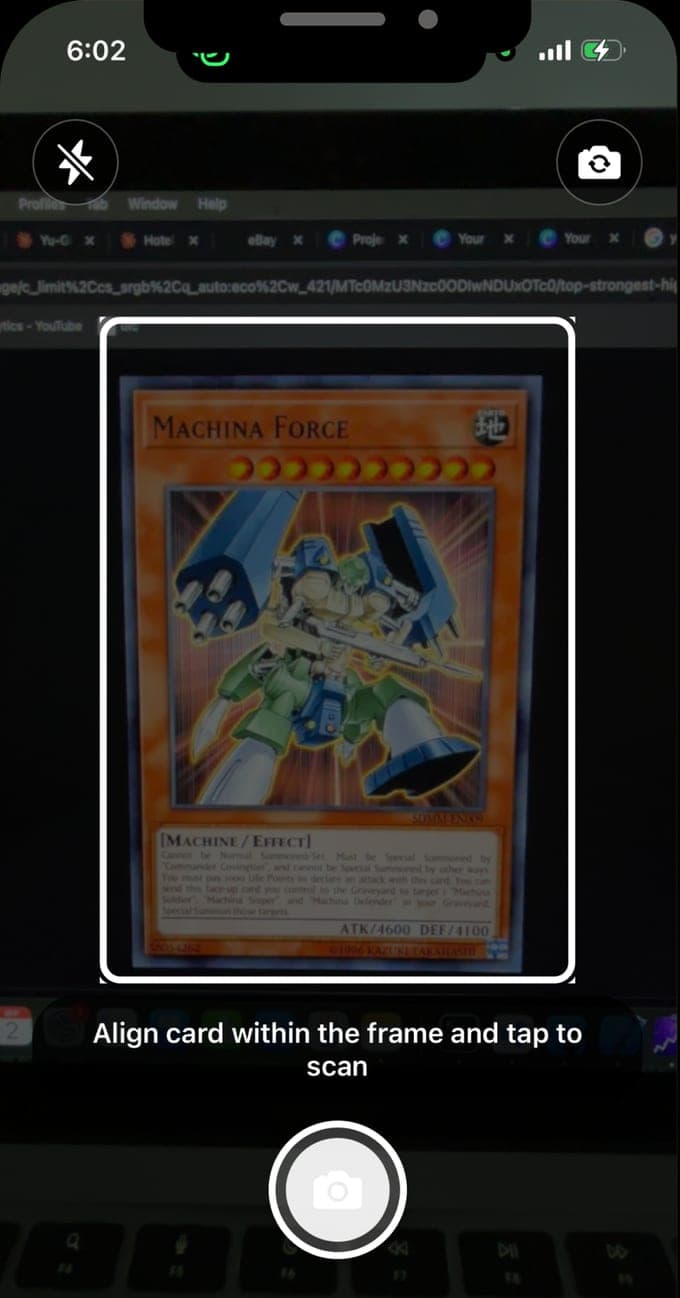
Point the camera at a card, or queue a stack
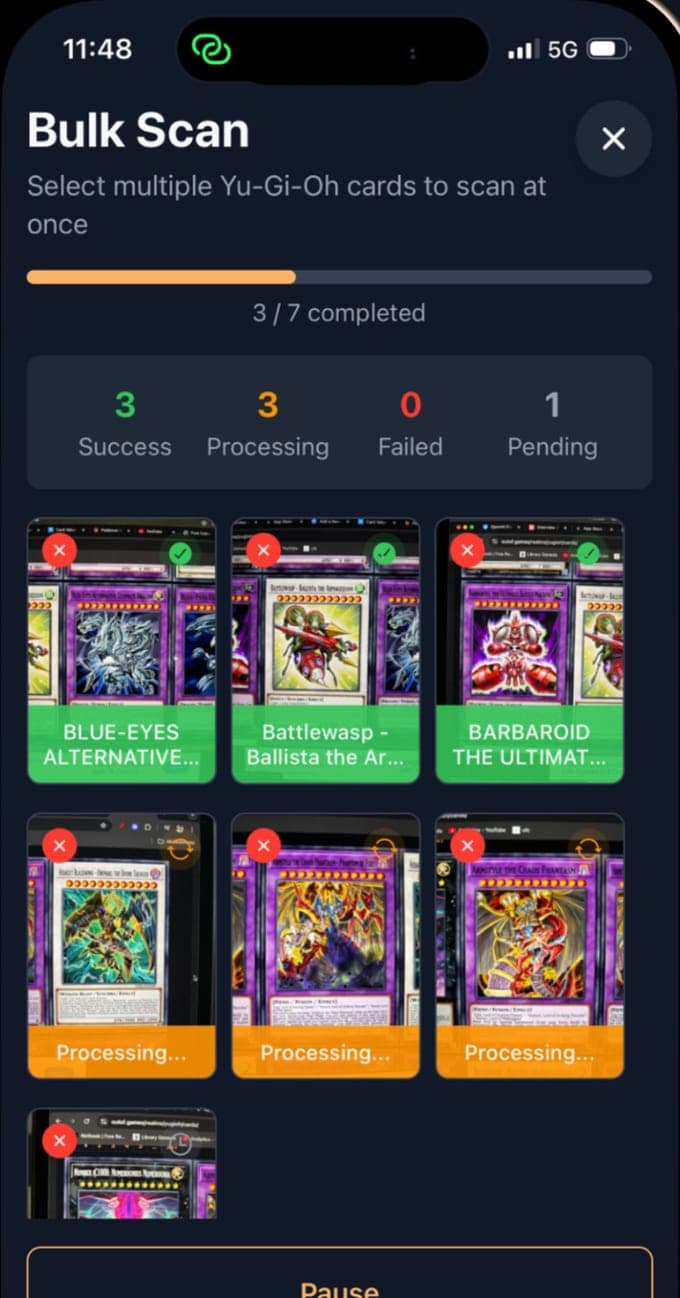
A photo is enough. The app reads the name and, where it is legible, the set code printed under the artwork, which is what separates a first-print Blue-Eyes White Dragon from the dozens of reprints with the same name. Cards in German, French, Italian, Spanish and Portuguese are read in their own language; Japanese and Korean cards resolve through the set code. Bulk mode queues a stack of photos and works through them three at a time, one card per photo. Ten scans a month are free; Premium removes the limit.
Prices
Three marketplaces, and the price of each print
Every card page shows a TCGplayer price in dollars free; with Premium it adds Cardmarket in euros, eBay and the others, a price for each set the card was printed in by set code and rarity, a price history and alerts. The headline figure per marketplace is the lowest price found across the card's versions, which is how the data service publishes it, so the per-set figures are the ones to read for a specific print. Prices refresh about once a day.
Collect and build
A collection with conditions, and decks the rulebook would accept
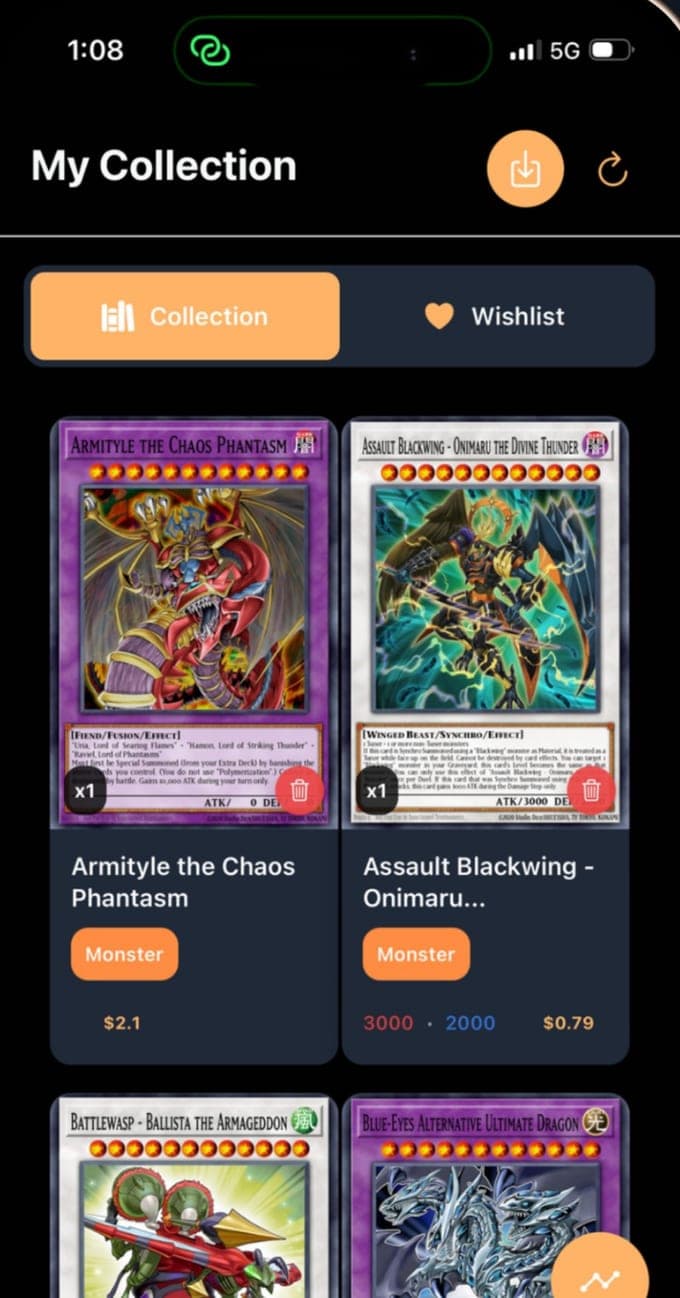
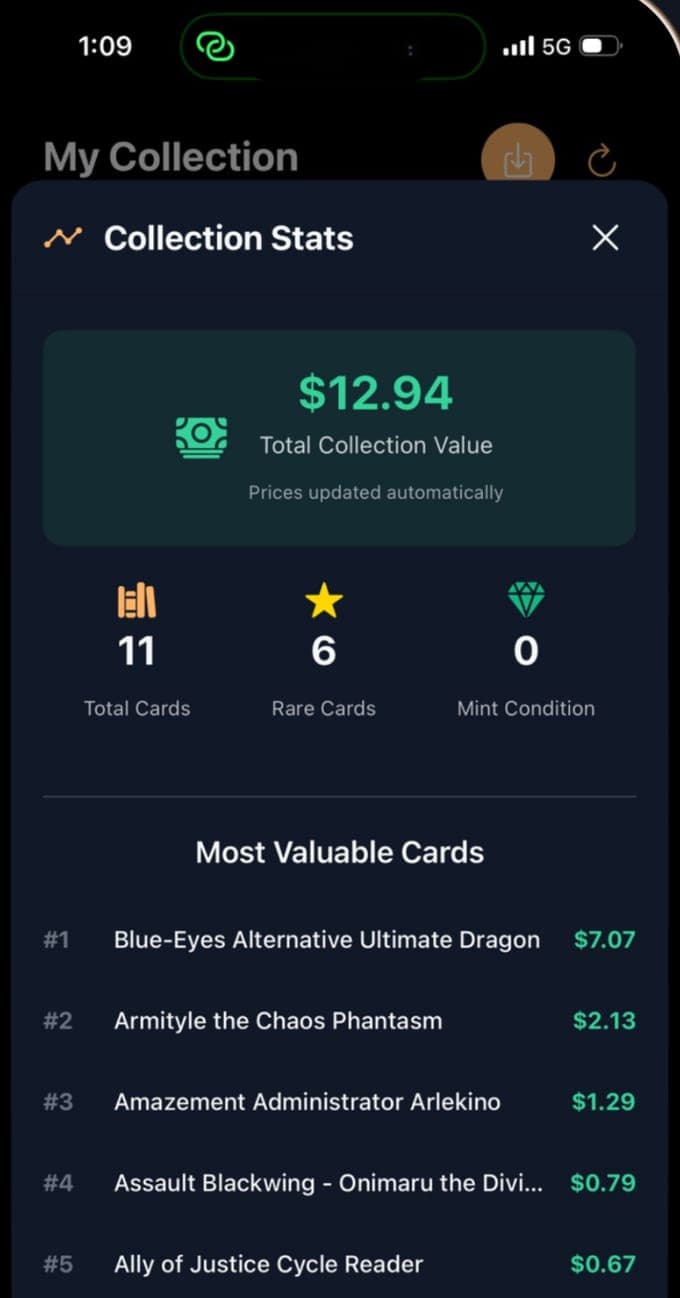
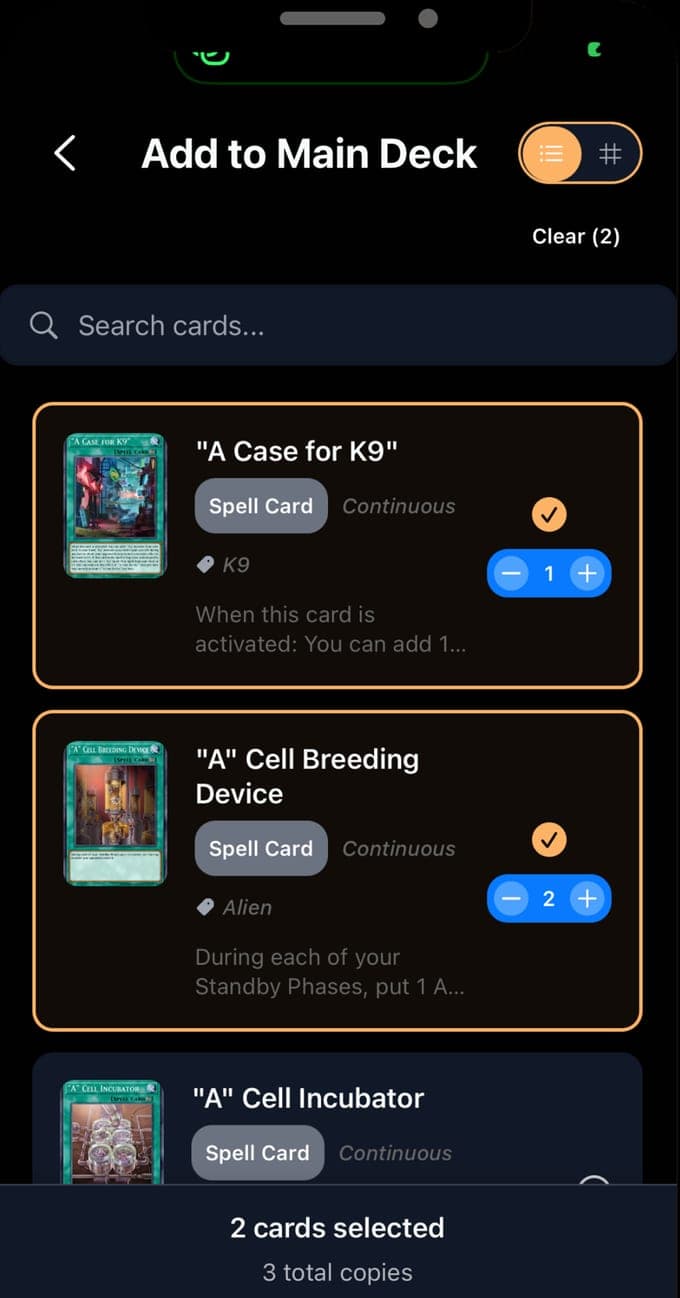
Each card you add carries a condition from Mint to Damaged and a quantity, so the collection's value is a real number rather than a guess. The deck builder keeps a main, extra and side deck and checks what the Official Rulebook checks: 40 to 60 cards in the main deck, up to 15 in the extra and side decks, and no more than three copies of a card across all three. It does not check the Forbidden & Limited List; that is one guide below. Three decks are free.
How it works
Install to a valued collection.
01
Scan the card
Download Yu-Gi-Oh Card Scanner on an iPhone or iPad running iOS 16.4 or later. Lay a card flat under decent light, fill the frame, and scan. The app returns the card it recognised; if the set code was legible it names the print, and the card's page lists every set it appears in. Ten scans a month are free.
02
Confirm the print, set the condition, add it
Check the set code against the card, choose the condition and the quantity, and add it to the collection or the wishlist. Browse the database by name, type, attribute, level or ATK and DEF when you want to add cards without scanning them.
03
Track the value, build the deck
The collection totals its value from the prices and lists the most valuable cards; with Premium every marketplace and every set price shows, with history and alerts. Decks carry a value too, and the builder flags a main deck under 40 or over 60 cards and a fourth copy of anything. Export when you need the list elsewhere.
Guides
Yu-Gi-Oh card values, written out properly.
Nine guides on what people search for about their Yu-Gi-Oh cards: what they are worth, how to read the set code and the edition, the rarities from Common to Quarter Century Secret Rare, spotting a fake, condition from Near Mint to Damaged, whether grading pays, what TCGplayer's, Cardmarket's and eBay's prices mean, cataloguing a collection, and how many cards a deck needs under the Forbidden & Limited List.
 How much are my Yu-Gi-Oh cards worth, and how do you check?A Yu-Gi-Oh card is worth what buyers recently paid for that print, rarity and condition. Why one name spans cents to thousands, and how to check.Read the guide →
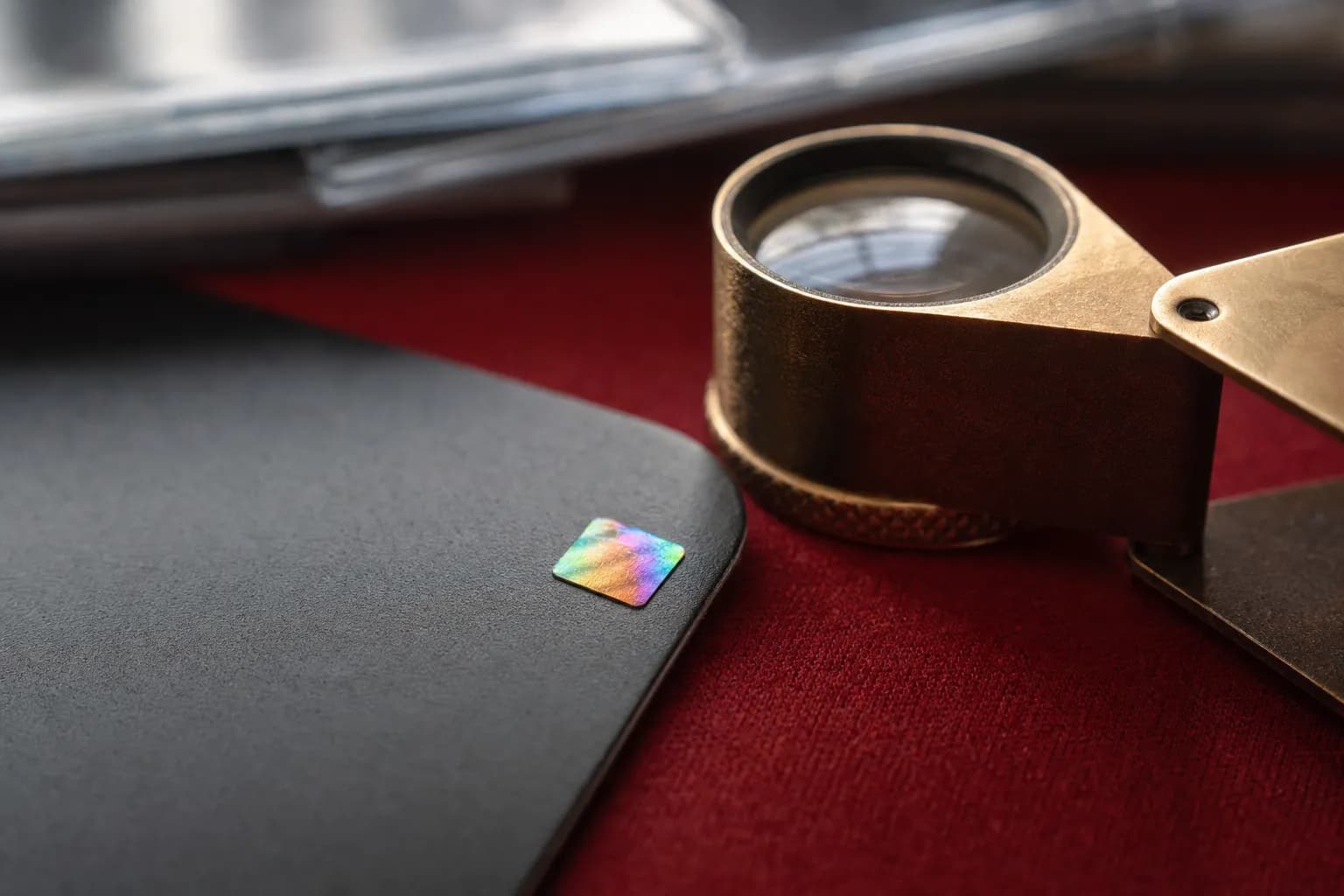 How to read a Yu-Gi-Oh card: the set code, the edition and the passcodeThe set code under the artwork (LOB-EN001), the region letters, the 1st Edition text and the gold or silver corner foil say which print you hold.Read the guide →
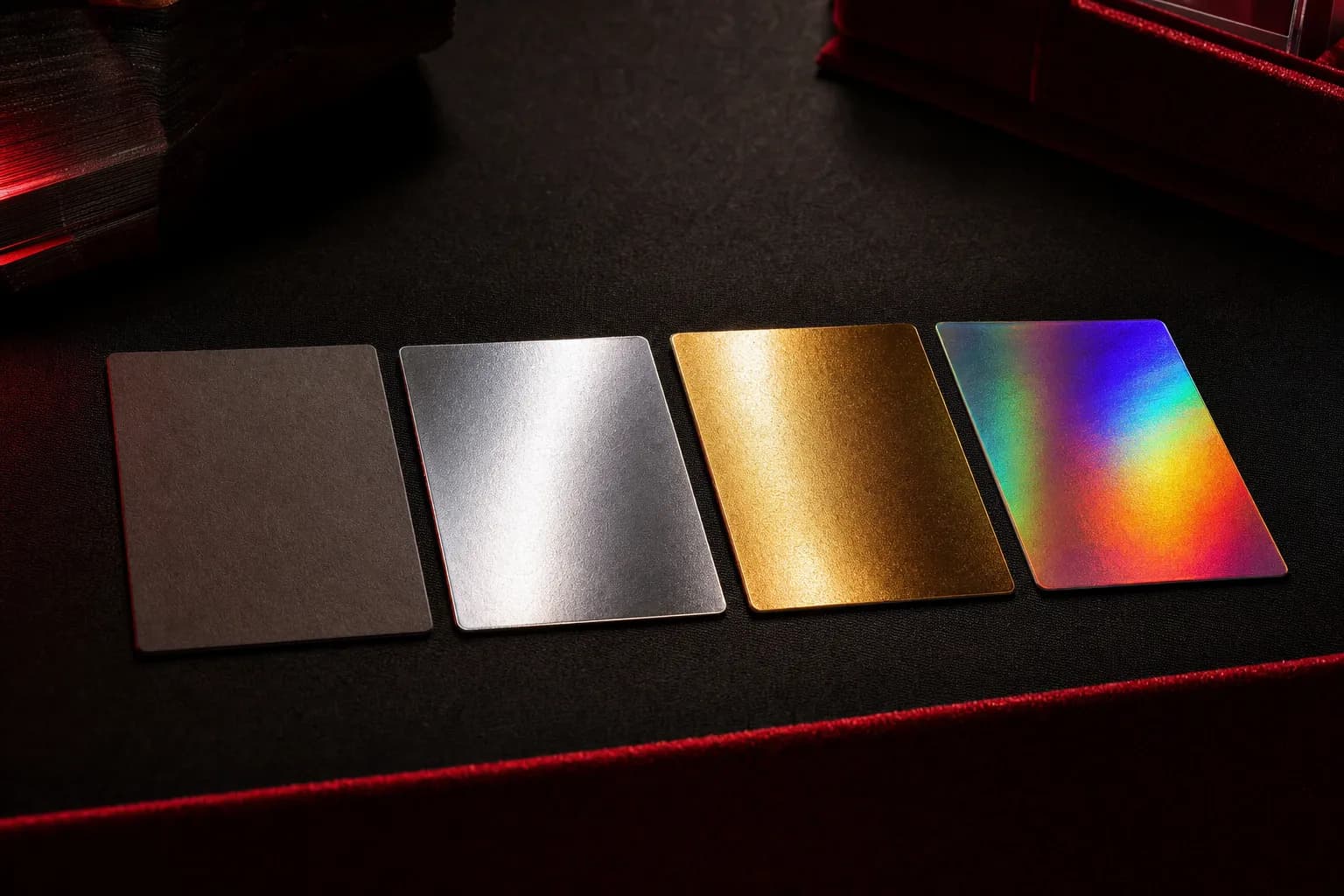 Yu-Gi-Oh card rarities explained, from Common to Quarter Century Secret RareRarity is the foiling: Common, Rare, Super, Ultra, Secret, Ultimate, Ghost, Gold, Starlight, Collector's and Quarter Century Secret Rare. How to read each.Read the guide →
 How to tell if a Yu-Gi-Oh card is fakeThe corner security foil, gold for 1st and Limited Edition, silver for Unlimited, the print, the font, the back, and the price that is too good.Read the guide →
 Yu-Gi-Oh card condition guide: Near Mint, Lightly Played, Moderately Played, Heavily Played, DamagedTCGplayer's five conditions in its own words, Cardmarket's seven, and the Yu-Gi-Oh specifics: gold-border flaking, the corner gem, foil scratches.Read the guide →
 Is grading Yu-Gi-Oh cards worth it?PSA's Gem Mint 10 and Mint 9 standards, what grading cost in 2026 after PSA paused its Value tiers, and the sum that decides whether to send a card.Read the guide →
 TCGplayer, Cardmarket and eBay prices for Yu-Gi-Oh cards: what each number meansTCGplayer's Market Price and Listed Median in its words, Cardmarket's Trend in euros, eBay's sold prices, and what the app's per-marketplace figures are.Read the guide →
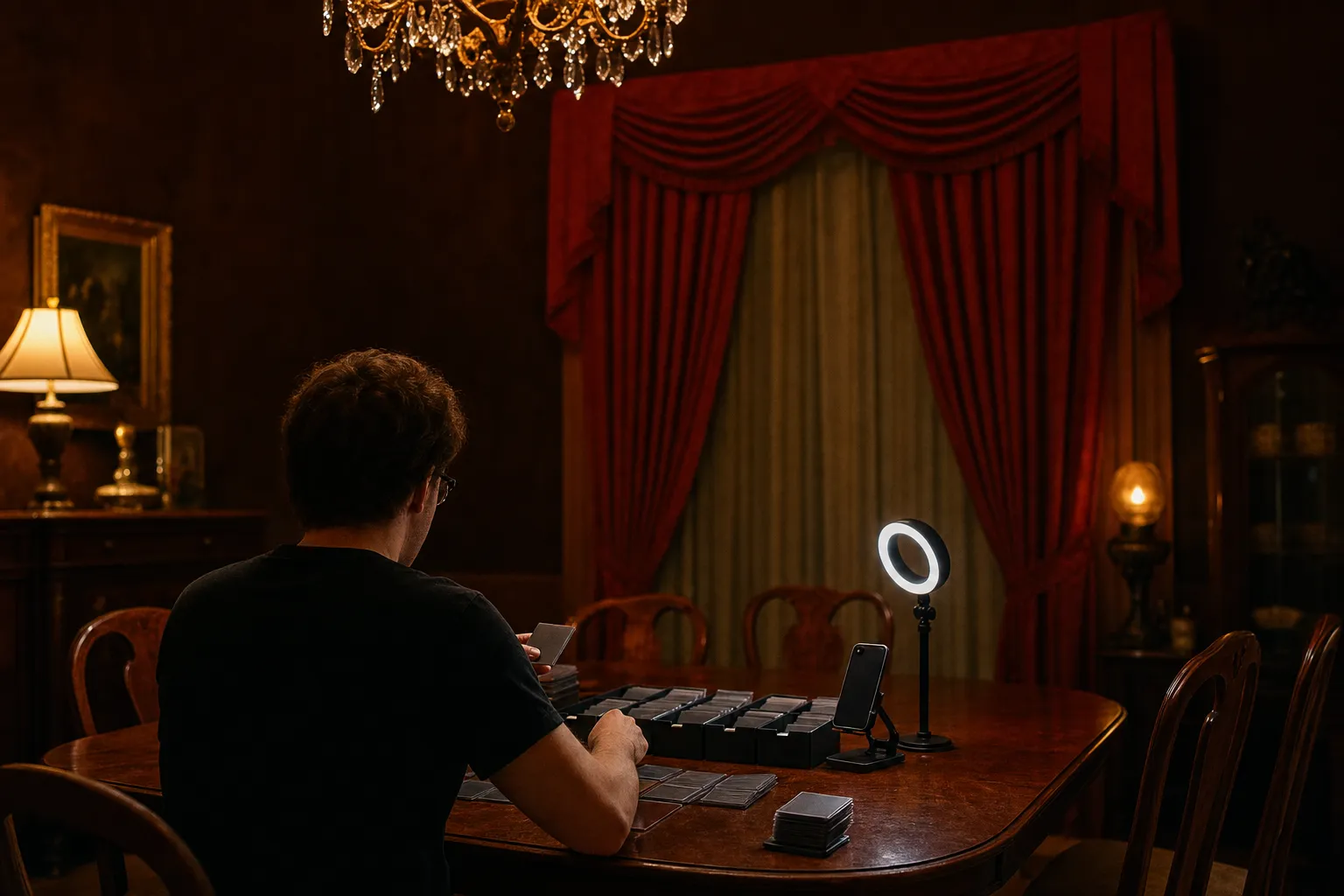 How to catalog your Yu-Gi-Oh collectionSort by set code, scan or search each card, confirm the print and rarity, record condition and quantity, keep a wishlist, build decks, export.Read the guide →
 How many cards go in a Yu-Gi-Oh deck, and what the Forbidden & Limited List doesThe rulebook's numbers: 40 to 60 main, up to 15 extra, up to 15 side, three copies across all three. What Forbidden, Limited and Semi-Limited mean.Read the guide →
Questions
Common questions.
How does the app identify a Yu-Gi-Oh card from a photo?
The photo goes to an image-recognition model that reads the card's name, its language, its English name if the card is not in English, and the set code printed under the artwork, such as LOB-EN001. The app then looks the card up in a database of more than 14,000 cards and shows every set it was printed in. You confirm the result before it is added.
Learn more →How much is my Yu-Gi-Oh card worth?
What buyers have recently paid for that print, in that rarity, in that condition. The same name can be a few cents as a reprint and thousands as a 1st Edition Ultra Rare from 2002. The app shows the marketplaces' lowest price for the name free, and with Premium a price for each set the card appears in. The value guide explains what moves the number.
Learn more →Where do the prices come from?
From TCGplayer, eBay, Amazon and CoolStuffInc in dollars and Cardmarket in euros, through a public Yu-Gi-Oh data service that also publishes a price per set and rarity in dollars. The per-marketplace figure is the lowest price found across the card's versions; the per-set figure is for a specific print. The service refreshes about daily and the app caches for a day.
Learn more →Is Yu-Gi-Oh Card Scanner free?
Free to download, with 10 scans a month, the full database to browse, one price per card, a collection with conditions, up to 3 decks of up to 40 cards, and exports of up to 50 records. Premium removes the scan and deck limits and unlocks all marketplaces, per-set prices, price history and alerts, and full export. It costs $2.99 a week or $29.99 a year on the App Store, with a free trial where the store offer includes one.
Does it scan Pokémon, Magic or other trading cards?
No. Despite the store name, this app identifies Yu-Gi-Oh cards only, and its database is the Yu-Gi-Oh TCG and OCG. Vishwen Labs publishes separate scanners for other games.
Can the app tell if a Yu-Gi-Oh card is fake?
No. It identifies which card a photo shows; it does not authenticate the card in your hand, and a good counterfeit of a real print will be identified as that print. The fake-card guide covers the security foil in the corner, the gold-or-silver rule for editions, the print, the font and the back.
Learn more →Does the app check the Forbidden & Limited List?
No. The deck builder checks the rulebook's sizes, 40 to 60 main, up to 15 extra and up to 15 side, and the three-copy rule. Forbidden, Limited and Semi-Limited status comes from Konami's list, which changes several times a year; the deck guide explains how to read it.
Learn more →What do the Yu-Gi-Oh rarities mean?
Rarity is the card's foiling: a Common has plain black text, a Rare silver-foil letters, a Super Rare a foil picture, an Ultra Rare gold letters and a foil picture, a Secret Rare rainbow letters and a patterned foil, and the premium tiers, Ultimate, Ghost, Starlight, Collector's and Quarter Century Secret Rare, each their own treatment. The app shows the rarity of each print in a card's set list, and the rarity guide goes through them all.
Learn more →Does the app grade Yu-Gi-Oh cards?
No. You record a condition yourself, from Mint to Damaged on the scale the marketplaces use, and the prices shown are for raw cards, not graded ones. The grading guide explains PSA's scale and 2026 fees and when sending a card off makes sense.
Learn more →Is this an official Konami app?
No. Yu-Gi-Oh Card Scanner is an unofficial, fan-made app from Vishwen Labs, not authorized, licensed or endorsed by Konami, Studio Dice, SHUEISHA or TV TOKYO. Card names and artwork belong to their owners; the prices are the marketplaces'; the rules quoted on these pages are Konami's, cited to the rulebook and the Forbidden & Limited List; and none of it is advice to buy, sell or grade.
Download
Yu-Gi-Oh Card Scanner, free to start
Ten scans a month, the full database, one price per card, a collection with conditions and three decks are free. Premium removes the limits and shows every marketplace and every set price, at $2.99 a week or $29.99 a year, on iPhone and iPad running iOS 16.4 or later.