Pokémon card condition guide: Near Mint, Lightly Played, Moderately Played, Heavily Played, Damaged
Vishwen Labs
Marketplaces price a card by its condition, so the condition you assign is part of the value. TCGplayer sells cards in five grades and defines each: Near Mint cards “show minimal wear from shuffling, play, or handling,” Lightly Played cards “may have minor edge wear, scuffs, or scratches,” Moderately Played cards “can have edge wear, surface wear, scratching or scuffing, bends with creases,” Heavily Played cards “show a major amount of wear,” and Damaged cards “show wear or imperfections beyond the standards for other conditions.” Cardmarket uses seven grades from Mint to Poor. The app records a condition from Mint to Damaged on every card you add.
TCGplayer's five grades, in its words
Near Mint: “minimal wear from shuffling, play, or handling,” with “a nearly unmarked surface, crisp corners, and unblemished edges outside of a few slight flaws”; the range “includes both cards with no imperfections and cards with few, minimal imperfections.” Lightly Played: “minor edge wear, scuffs, or scratches,” with “no significant imperfections or issues with the structural integrity.” Moderately Played: “edge wear, surface wear, scratching or scuffing, bends with creases, or a combination of moderate examples of these imperfections.” Heavily Played: “a major amount of wear,” yet the card “must still be able to be authenticated and cannot be structurally damaged.” Damaged: “major border wear, scratching or scuffing, as well as bends, tears, splitting, foreign substances such as food or liquid.” Two more rules matter: “Mint or Gem Mint cards are not sold on TCGplayer,” and foil cards “are evaluated by the same criteria we use for their non-Foil counterparts.”
Cardmarket's seven
Cardmarket, the European marketplace, grades Mint, Near Mint, Excellent, Good, Light Played, Played and Poor. Its Excellent sits roughly where TCGplayer's Lightly Played does, and Good around Moderately Played; the two scales do not map one to one, which is one reason the same card can look differently priced on the two sites. When you list on either, the site's own definitions apply, and photographs settle disputes.
How condition moves the price
TCGplayer's price points “reflect any selected printings and conditions filters,” so its Market Price for a Lightly Played copy is compiled from Lightly Played sales. The step from Near Mint to Lightly Played usually costs a modest share of the value; the step to Moderately Played and below costs much more, and on vintage cards a crease can remove most of the price. Graded cards are a separate market again: a raw Near Mint card is not priced as a PSA 9, and the grading guide covers that.
How to judge a card
Under a bright, angled light, front and back. Corners first: are they sharp or rounded, white or clean? Then edges for whitening and nicks, the surface for scratches (tilt the card so the light rakes across it; holos show scratches this way), and the whole card for bends, creases and dents. Look at the back as closely as the front; the dark blue shows edge wear more readily. Be harder on yourself than you would be on a seller: a buyer will be. Sleeve and top-load anything worth more than a coffee the moment you have judged it.
Recording it in the app
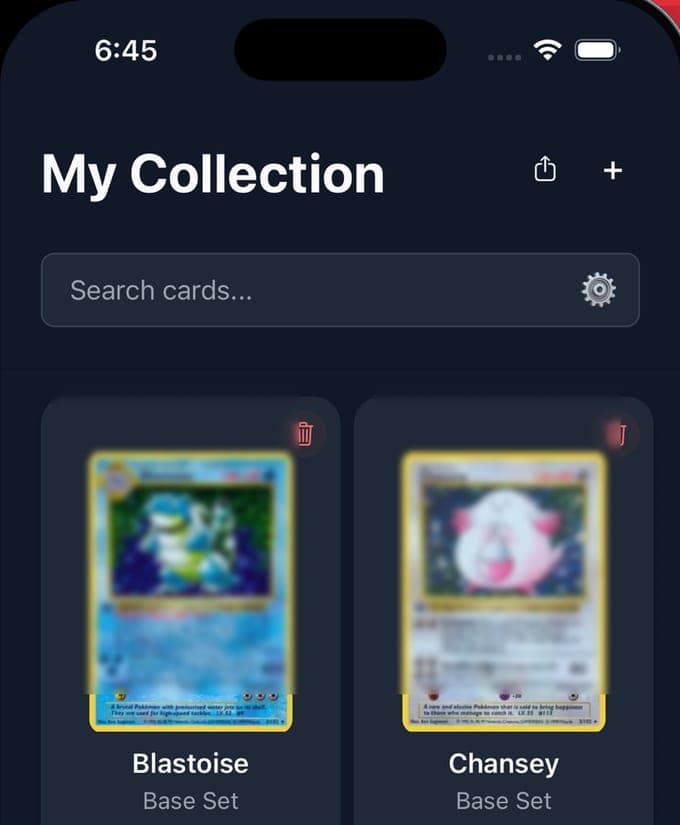
When you add a scanned or browsed card, the app asks for a condition on a Mint-to-Damaged scale that matches TCGplayer's grades plus Mint, together with the quantity and the price you paid. The collection view then totals value and shows the gain or loss against your purchase prices. Changing a condition later is a tap, which is worth doing after a card has been played or after a closer look under the lamp.
TCG Card Scanner is an unofficial, independent app from Vishwen Labs. It is not affiliated with, endorsed by or associated with The Pokémon Company, Nintendo, Creatures Inc. or GAME FREAK. Pokémon and all related names, marks and card artwork are trademarks and copyrights of their owners. Card data and prices come from the public sources named on these pages, and nothing here is advice to buy, sell or grade a card.
Questions people also ask
What is the difference between Near Mint and Mint?
Mint allows no imperfections at all; Near Mint allows a few slight ones, such as slight edge wear or a couple of minor scratches, in TCGplayer's definition. TCGplayer does not sell Mint or Gem Mint cards; those grades live in the graded market.
Does a scratch on a holo make it Lightly Played?
A couple of minor scratches can still be Near Mint under TCGplayer's definition; several, or a noticeable one, put it in Lightly Played, and TCGplayer judges foils by the same criteria as non-foils. Tilt the card under a light to see them.